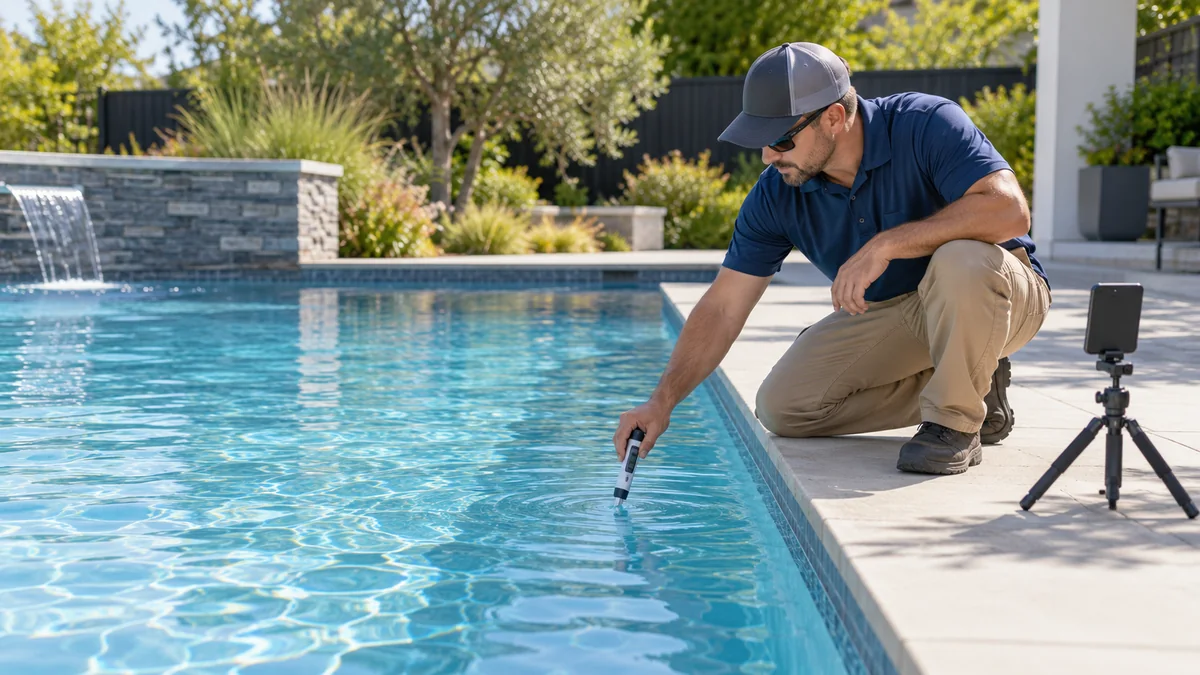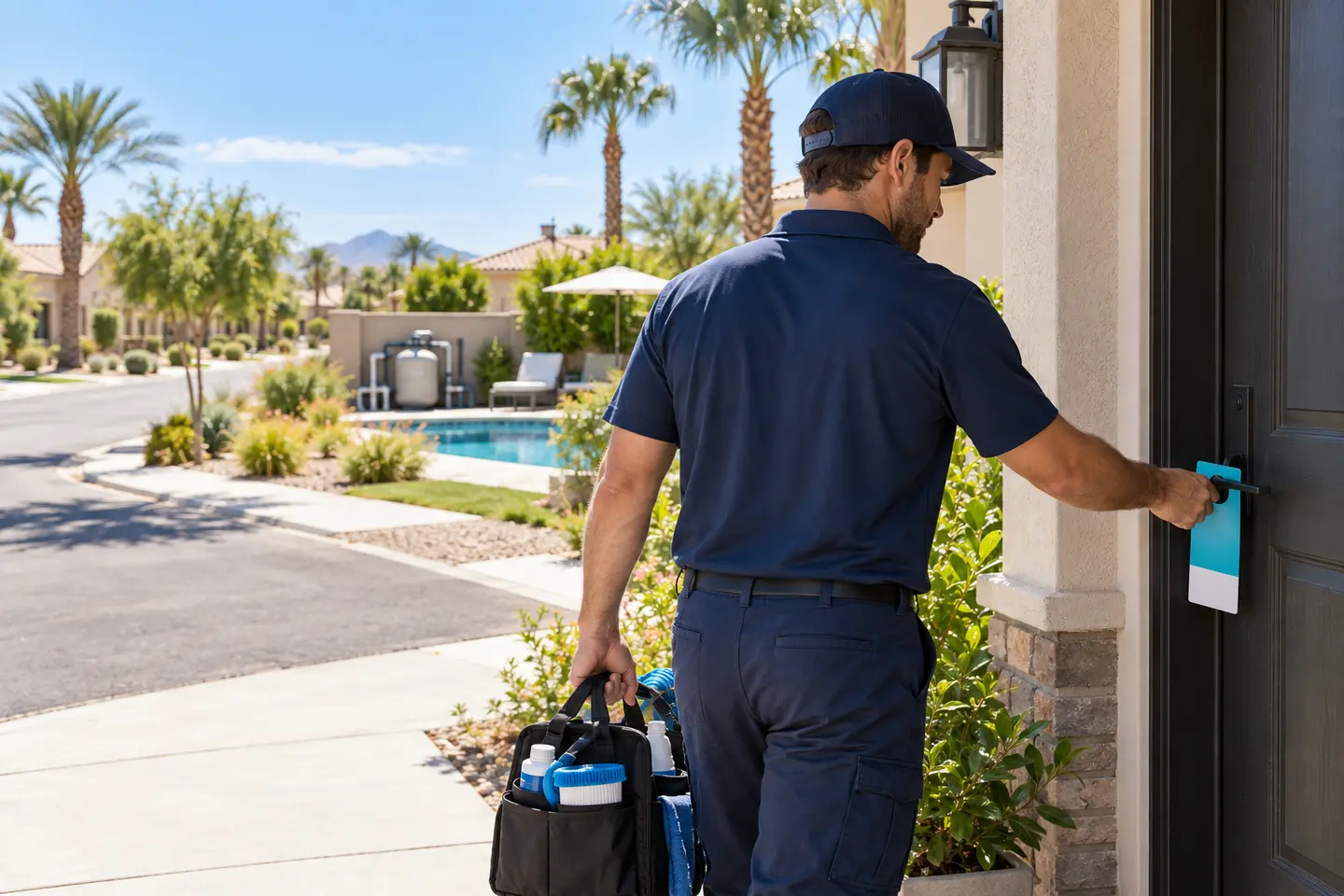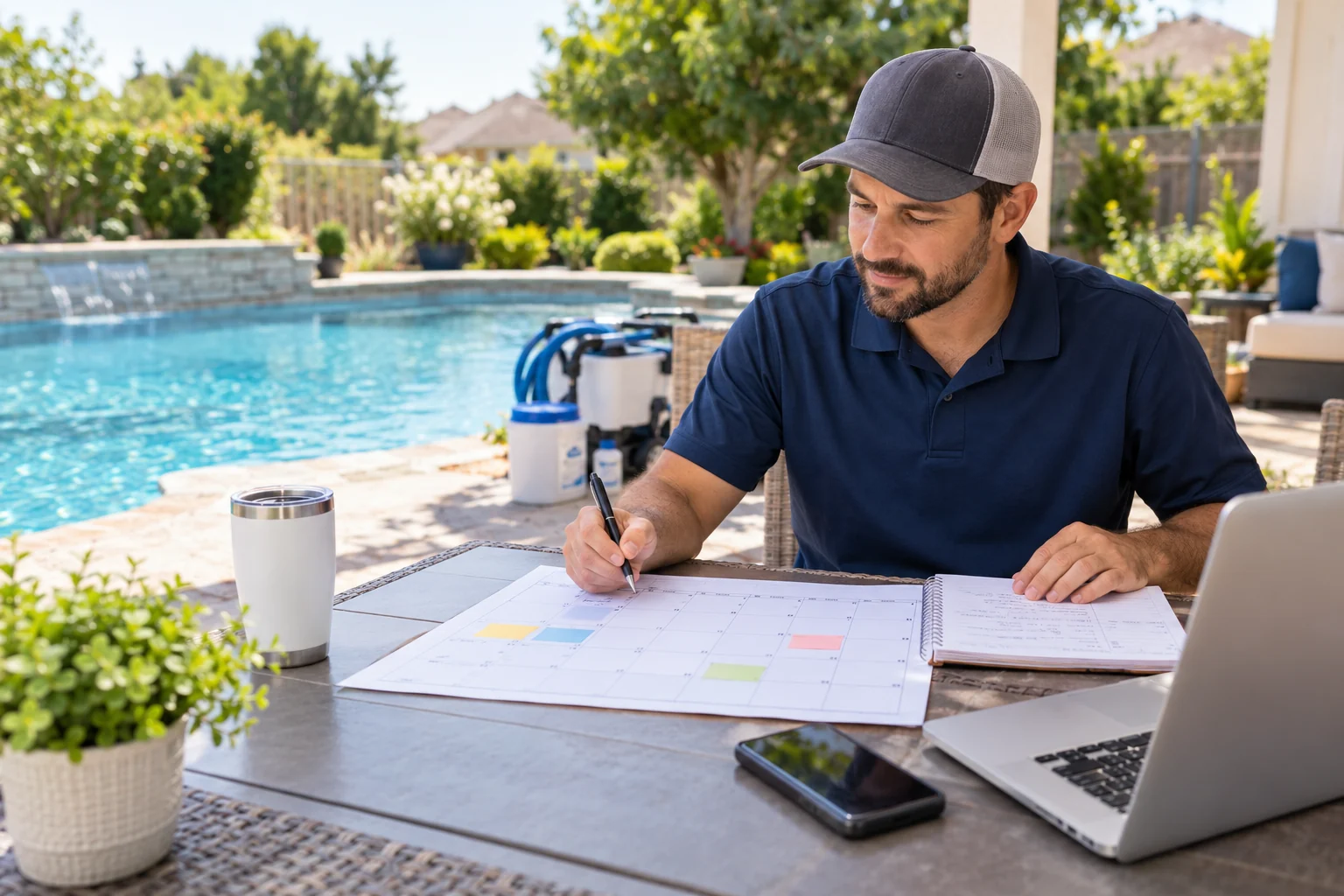
Pool service marketing is easier to keep up with when you know what to do each week. Instead of scrambling for a post or promotion every morning, you can plan a few useful messages, prepare your materials, and make time to follow up with potential customers.
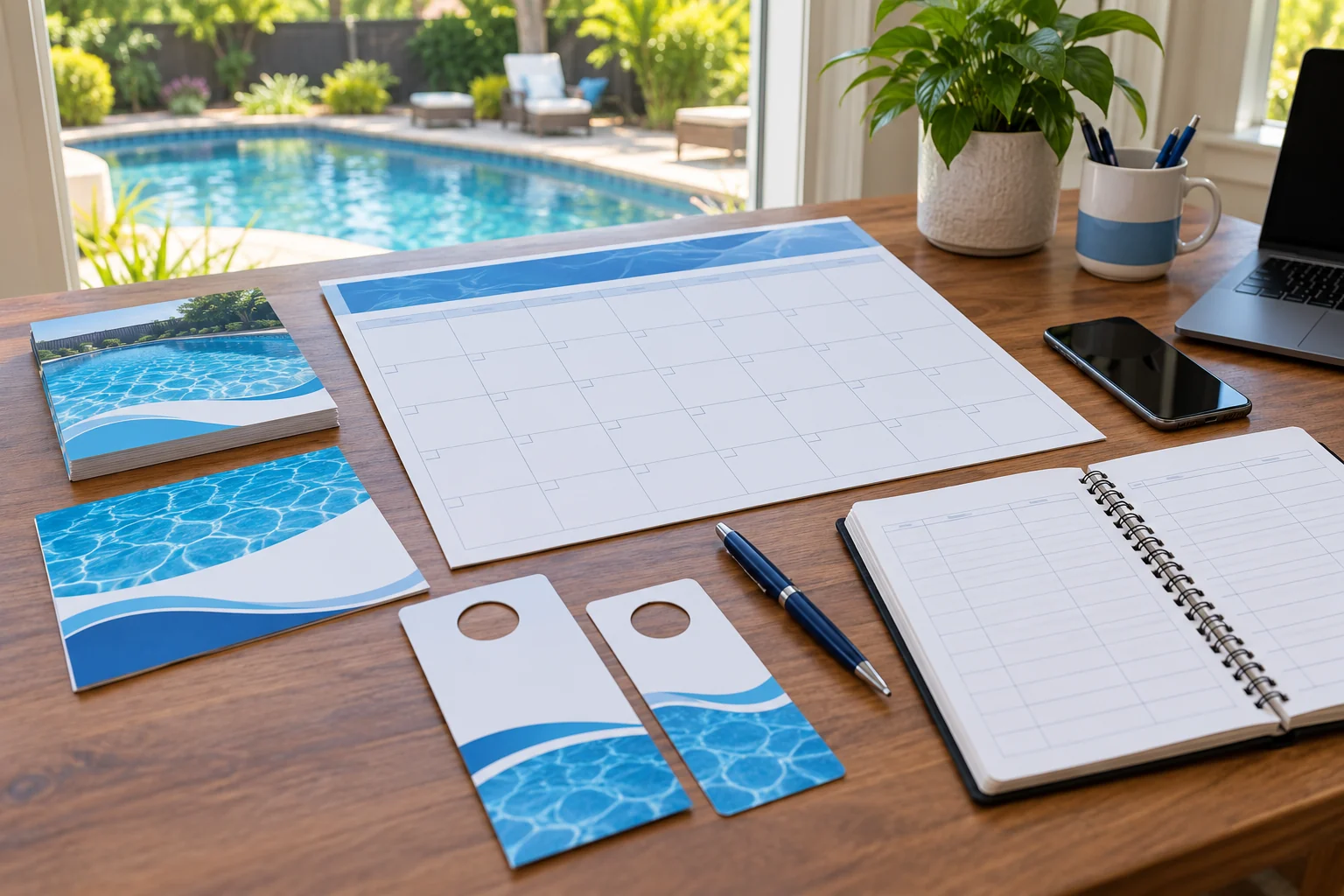
If you want editable materials to support that work, take a look at the Pool Service Canva Marketing Kit on Etsy. It includes marketing templates for pool service businesses, such as social media posts, flyers, door hangers, and captions.
Disclosure: Vid2SOP and Local Growth Studio are related brands. This article links to a digital product from our Etsy shop.
This 30-day plan gives you a manageable starting point. Adapt it to your service area, schedule, season, and the services you actually provide. You do not need to post every day or use every marketing channel. Consistency and clear follow-up matter more than filling a calendar.
Before you start: choose one goal
Pick one main goal for the month. For example:
- Get more inquiries from homeowners in a specific service area.
- Fill a few open route slots.
- Reconnect with past customers.
- Make your existing services easier to understand.
- Collect more reviews from satisfied customers.
Choose one primary audience too. A message for homeowners looking for weekly pool care may differ from one for property managers or owners preparing a pool for a seasonal opening.
Write down the service, area, and next step you want readers to remember. For example: “Weekly pool maintenance in [your service area]. Ask about current availability.” Only mention availability, offers, or guarantees you can honor.
Week 1: Get your message and materials ready
Day 1: Check your service information
Review your website, social profiles, and business listings. Make sure they show the correct service area, contact information, and services you currently offer.
Keep descriptions specific. “Pool service” may mean different things to different customers. If relevant, clarify whether you offer recurring maintenance, pool cleaning, opening or closing services, or another service.
Day 2: Choose a simple monthly theme
Select a theme that matches your customers’ needs and the time of year. Examples include preparing for warmer weather, keeping up with routine maintenance, or helping customers understand what a service visit includes.
Use the theme to guide your posts and outreach, but avoid implying that one routine or treatment fits every pool. Conditions and service needs vary.
Day 3: Prepare a few reusable designs
Create a small set of branded materials instead of designing something new for every post. You might prepare:
- One service introduction
- One educational tip
- One customer question and answer
- One seasonal reminder
- One clear inquiry prompt
Check each design on a phone screen. Make sure the text is readable, the contact method is visible, and the message has one main point.
Day 4: Write your calls to action
Choose a clear next step for each type of message. Examples include:
- “Message us to ask about service in [area].”
- “Contact us to discuss a maintenance schedule.”
- “See our current services and service area.”
Use a call to action that matches what happens after someone responds. If you need details before giving a quote, say so.
Day 5: Make a simple lead tracker
Use a spreadsheet or notebook to record the date, source, service area, inquiry, follow-up date, and outcome. A tracker helps you see which activities bring relevant inquiries without relying on memory.
Days 6–7: Prepare and schedule
Draft the week’s posts and prepare any printed materials you plan to distribute. Review spelling, phone numbers, links, and service details before scheduling or printing.
If you use door hangers or flyers, follow applicable local rules and respect property restrictions. Keep a record of the areas where you distribute them so you can compare responses later.
Week 2: Publish useful, local content
Day 8: Introduce your business
Post a short introduction: who you serve, the area you cover, and the services you provide. A clear, current photo of your team, equipment, or work environment can help make the business feel approachable.
Do not show a customer’s home, address, pool, or identifying details without permission.
Day 10: Answer one common question
Choose a question customers often ask, such as what information you need before discussing service or how someone can find out whether their location is in your service area. Give a direct answer and invite readers to contact you if they need help with their specific situation.
Day 12: Share a process-focused post
Explain what a typical service visit may involve for your business. Keep it accurate to your actual process, and distinguish between services that vary by pool or customer.
A process post can be easier to create when your team already has clear work instructions. Vid2SOP turns video into an editable visual draft by capturing images from the video. You add and review the instructions yourself; the current version does not transcribe speech or write the procedure automatically.
Day 14: Review responses
Check messages, comments, calls, and form submissions. Reply to genuine inquiries and record where they came from. If people are asking the same question, consider answering it in a future post or updating your service information.
Week 3: Reach nearby customers
Day 15: Select a focused area
Choose a neighborhood or service zone that makes sense for your routes. Consider travel time, existing customers, and the services you can realistically provide there. Avoid advertising broad coverage if you cannot serve those locations.
Day 17: Share a local service reminder
Publish a short reminder that names the area you serve and explains how a resident can ask about availability. Keep the message factual. Do not suggest that every home in the area has the same pool-care needs.
Day 19: Distribute printed material thoughtfully
If you use flyers or door hangers, choose a small, relevant area and follow local rules. Use a single offer or message, readable contact details, and a clear next step. Track the distribution date and area in your lead tracker.
The Pool Service Canva Marketing Kit can help you prepare consistent marketing materials. Customize each design with your own service information and check every detail before sharing it.
Day 21: Follow up with inquiries
Review unanswered messages and contact people who asked for information, using the method they provided. Keep follow-ups helpful and respectful. If someone does not respond or asks not to be contacted, respect that.
Week 4: Build trust and improve the plan
Day 22: Request a review from a satisfied customer
Ask a customer who has genuinely used your service whether they would be willing to leave an honest review. Do not offer a reward in exchange for a positive review, and do not write one on their behalf. Use customer feedback only with permission.
Day 24: Share a practical checklist or tip
Offer a short checklist or question list that helps homeowners prepare for a conversation with a pool service provider. Keep it useful without presenting it as a substitute for an assessment of an individual pool.
Day 26: Show how customers can get started
Explain the steps a new customer can expect: what information to provide, how you confirm service area, and how you discuss scope or scheduling. Avoid promising a start date or result before you have confirmed it.
Day 28: Review the month’s activity
Look at your tracker and note:
- Which channel led to relevant inquiries?
- Which message generated questions or replies?
- Which areas were worth contacting?
- How many inquiries became conversations or bookings?
- What should you stop, continue, or test next month?
Small numbers can fluctuate, so treat one month as useful feedback rather than proof that a channel will always perform the same way.
Days 29–30: Plan the next month
Keep the activities that were manageable and relevant. Choose a new monthly theme, prepare a few posts, and set aside time for follow-up. You can repeat useful formats while changing the examples and answering new customer questions.
A simple weekly rhythm
If a 30-day calendar feels like too much, use this lighter routine:
- Monday: Prepare or schedule one helpful post.
- Wednesday: Answer a common customer question.
- Friday: Follow up on inquiries and update your tracker.
- Once a month: Review results and choose the next focus area.
This gives your marketing a regular place in the schedule without requiring a new post every day.
Common mistakes to avoid
Posting without a clear next step
A reader should know how to ask a question or learn more. Include a contact method that works and tell people what information to provide.
Making claims you cannot verify
Avoid unsupported promises about results, response times, savings, or service outcomes. Describe what your business actually does and explain that requirements can vary.
Using the same message everywhere
A social post, flyer, and door hanger may need different wording and layouts. Keep the core message consistent, but make it readable and appropriate for each format.
Forgetting to follow up
A marketing activity can bring an inquiry, but a timely, helpful response is part of the customer experience. Decide who checks messages and when.
Tracking attention instead of useful outcomes
Likes and views can provide context, but also track inquiries, conversations, and bookings. This helps you understand whether a campaign is reaching potential customers who fit your service.
Build a repeatable marketing routine
A practical pool service marketing calendar helps turn scattered promotion into a routine: choose a goal, share useful information, reach a relevant local audience, follow up, and review what happened. Keep the plan small enough to repeat and adjust it as your business and service area change.
For pool service businesses that also want to document internal work, Vid2SOP can create an editable visual draft from a video. You capture and review the steps yourself before using or sharing the resulting SOP.
Put your process into practice
Document your team's repeatable work: capture images from a video, add and review the instructions, then share an editable visual SOP.
Create your SOP