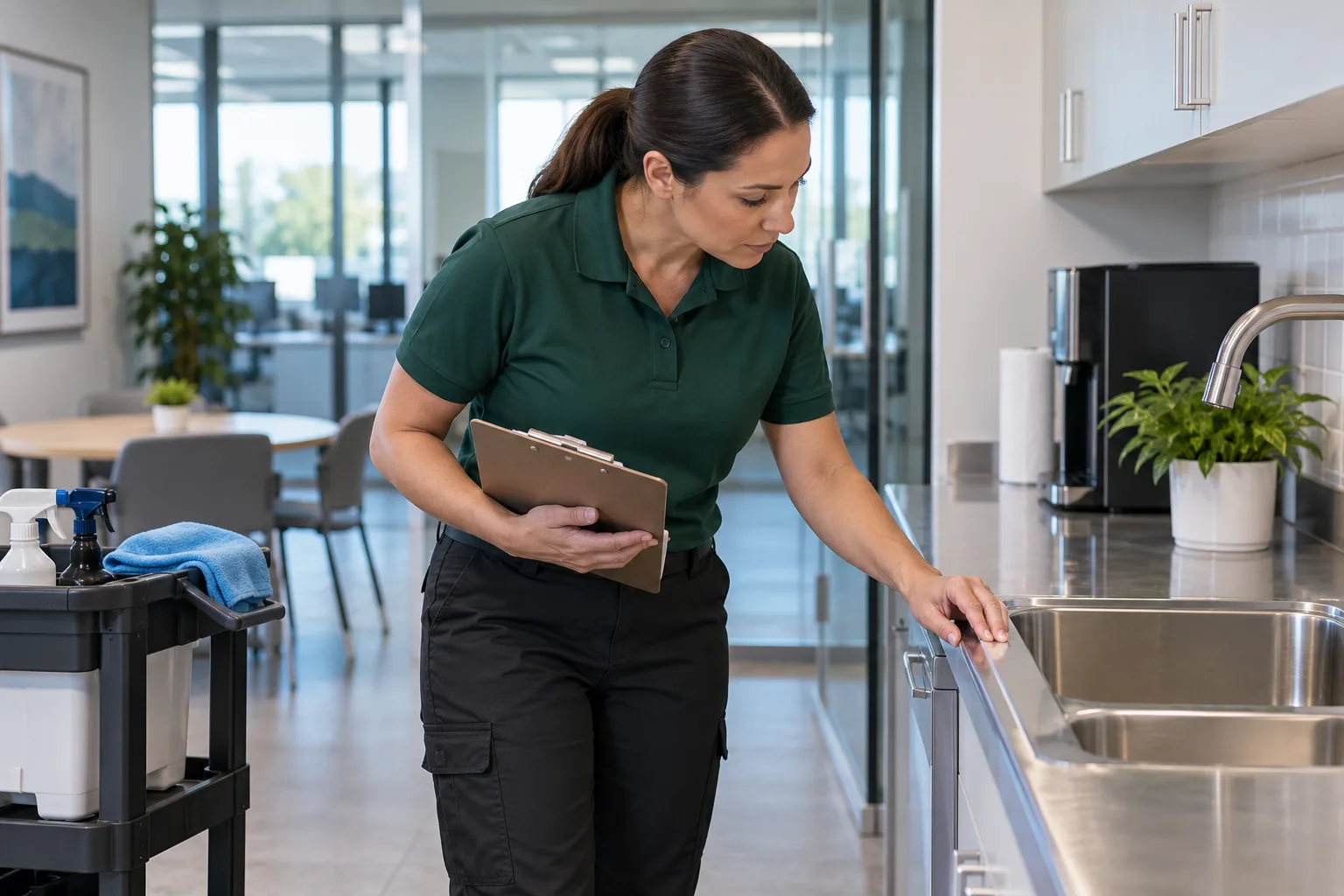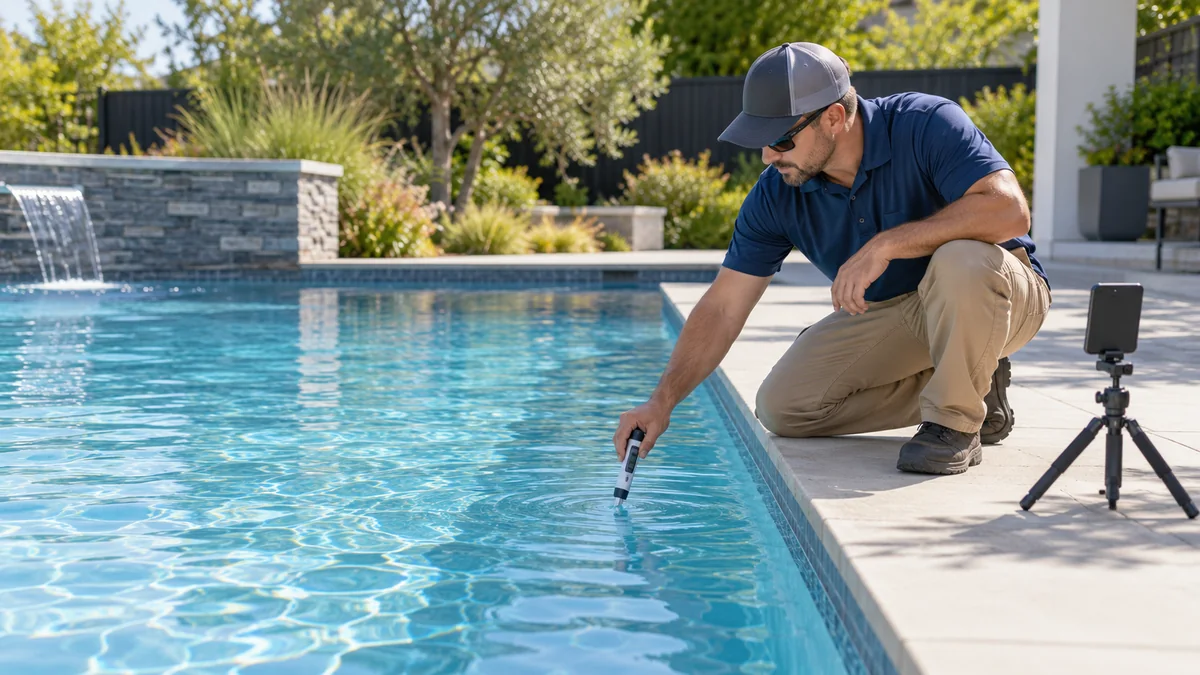
Most pool customers do not see the service visit. Your technician arrives on route day, completes the agreed work, records the visit, and leaves. The customer may only notice the result later.
That makes useful, specific content valuable: it can show what your service includes, explain how customers can prepare, and introduce the people behind the route. A short clip may also help a new customer understand your process, while a full internal recording can help document visual steps for team training.
If you want editable designs and captions to put these ideas into action, the Pool Service Canva Templates & Marketing Kit from Local Growth Studio on Etsy is listed with 100 social media posts, 100 captions, and 161+ marketing assets. Customize every item for your actual services, brand, and service area.
Disclosure: Vid2SOP and Local Growth Studio are related brands. The linked digital product is created by Local Growth Studio and sold through Etsy.
What makes pool service content different
Three things should shape your posts:
- The work is recurring. Show how your actual service routine works, not only one dramatic result.
- Customers may not be home during a visit. Clear visit notes and approved process photos can help explain what happened without exposing private details.
- Safety and privacy matter. Pools involve private backyards and pool-care products. Do not publish a customer’s location, personal information, or chemical instructions that could be misapplied.
Before using the captions below, replace every bracketed field, describe only work your team actually performed, and get permission before posting a customer’s pool or property. Never include an exact address or content that reveals when a home is empty.
30 pool service social media post ideas
Show the results
1. A green-to-clear update
Photograph the pool from the same spot at different points in a real service job. Do not imply that clear-looking water is automatically safe for swimming or promise another pool will take the same time.
Caption: “A visible change at this pool in [City] after [number] service visits. Every pool is different. If you’re concerned about yours, contact a qualified pool service professional for an assessment.”
2. Before and after a routine visit
Not every useful result is dramatic. With permission, show a real change such as surface debris removed during the visit.
Caption: “Surface debris cleared during today’s [Day] route in [Neighborhood]. Here’s the pool before and after the scheduled visit.”
3. A waterline detail
Use a close-up of an approved pool surface to show a detail your team actually addressed.
Caption: “A closer look at the waterline after today’s scheduled service in [City]. Ask us what our [Plan Name] includes.”
4. The skimmer basket
A photo of a basket before and after emptying can illustrate a routine task. Avoid claiming one week’s debris level is typical for every pool.
Caption: “We emptied and checked this skimmer basket during a [season] visit in [City]. Trees, weather, and pool use all affect what collects.”
5. After a storm
Show a real, permission-approved pool before and after the work your team completed. State whether you offer post-storm service.
Caption: “After the recent storm, we cleared the debris included in this customer’s service visit. Need help after severe weather? Ask us what we can safely handle.”
6. The end-of-visit view
Take a calm final photo from a consistent spot, without house numbers, people, or identifiable property details.
Caption: “A final look at today’s [Day] route stop in [City]. Visit complete and service notes recorded.”
Show what happens during a visit
7. What your routine service includes
List only tasks included in your actual plan.
Caption: “What happens when we visit your pool? Our [Plan Name] includes [Task 1], [Task 2], and [Task 3]. Contact us for the full service details.”
8. An example visit note
If your business sends a service report, create a sample using invented or fully anonymized details. Do not show a real customer’s contact information.
Caption: “A useful visit note records the work completed, what the technician observed, and any follow-up agreed with the customer. Here’s an anonymized example.”
9. Water testing as part of your service
Only say that you test on each visit if that is your actual practice. Show the process without posting readings or treatment instructions that lack context.
Caption: “When included in the service plan, water testing helps our team document what we observed during the visit. Pool conditions vary, so ask your pool professional about your specific results.”
10. Your safe close-out routine
Share a gate or access check only if it is part of your real process, and do not reveal property identifiers.
Caption: “Our close-out checklist includes [your actual final access step]. A consistent routine helps us finish each visit carefully.”
11. Route day in your area
Mention the city or neighborhood, not individual homes.
Caption: “We’re scheduled in [Neighborhood] on [Day]. If you’re nearby and looking for [service type], message us to ask about route availability.”
Explain your service
12. What is included and quoted separately
Clarify service boundaries so customers know what to expect.
Caption: “Our [Plan Name] includes [included tasks]. Repairs, [specialty service], and extra visits are handled separately when offered and are quoted before work begins.”
13. Weekly or every other week?
Avoid giving a universal schedule. Explain which factors can affect a recommendation and invite customers to ask about their pool.
Caption: “How often should a pool be serviced? It depends on your service needs, pool use, surroundings, and season. Contact us to discuss a schedule for your pool.”
14. Your weather policy
Describe your actual policy and avoid promising that all visits will proceed as planned.
Caption: “Severe weather or unsafe conditions may affect a route. If your visit needs to change, we’ll contact you using [your usual contact method] with an update.”
15. How to prepare for a visit
Share your real access requirements, such as gate access or keeping pets secure.
Caption: “Before route day, please [unlock the gate / secure pets / tell us about access changes]. It helps our technician complete the scheduled visit safely.”
16. Routine service versus repair
Explain the difference using the services your business actually provides.
Caption: “Routine pool service and equipment repair are different jobs. If we notice something outside our service scope, we’ll explain what we observed and discuss the next step.”
Share seasonal reminders
17. Pool opening season
Use only if your business offers opening services in your climate.
Caption: “We’re planning [Month] pool openings in [Service Area]. Contact us to ask whether your pool and location fit our opening service.”
18. A pre-season check-in
Invite pool owners to plan ahead without suggesting a deadline that does not exist.
Caption: “Pool season is approaching in [City]. If you’d like to review your service schedule before the busy period, message [Business] with your preferred dates.”
19. Pool closing or winter care
Adapt this to the local climate and only promote services you provide.
Caption: “Our [closing / winter care] service in [Service Area] includes [Task 1] and [Task 2]. Contact us for availability and details.”
20. Leaf-season reminder
Keep the advice general and connect it to your service offering.
Caption: “More leaves are falling in [City]. If debris is affecting your pool, ask us whether your service plan or an additional visit can help.”
21. Travel planning
Do not reveal which specific customer is away. Keep the message general.
Caption: “Planning a trip? If you want pool service while you’re away, arrange access and scheduling with your provider in advance.”
Build trust in your team
22. Meet the owner
Share a genuine introduction and a verifiable detail about the business.
Caption: “I’m [Name], owner of [Business]. We serve pool owners across [Service Area]. I started this company because [one honest reason].”
23. Meet a technician
Ask permission first and describe the employee’s actual role and qualifications.
Caption: “Meet [Name], one of our technicians on the [Area] route. They help with [actual responsibility]. If you have a question about your visit, contact us at [contact method].”
24. Share a genuine review
Use the customer’s real words and get permission before using their name or identifiable details.
Caption: “‘[Exact short quote from the review].’ Thank you, [first name or initials, with permission], for choosing [Business].”
25. A pool-care safety reminder
Keep the advice non-prescriptive. Do not publish a dosage or encourage customers to combine products.
Caption: “Using a pool-care product? Follow its label and your pool professional’s instructions. Never mix products unless the manufacturer explicitly directs you to do so.”
26. Clear water is not a complete assessment
Encourage customers to contact a professional rather than diagnosing a pool from a photo.
Caption: “Appearance alone does not tell the whole story about a pool. If you have a concern, contact a qualified pool professional and share the details privately.”
Invite local inquiries
27. Real route availability
Mention openings only when they are genuine.
Caption: “We currently have [number] opening(s) on our [Day] route in [Area]. Message us to ask about service details and availability.”
28. What to send when requesting a quote
List the details you actually need, and do not ask customers to post private information publicly.
Caption: “For a pool service quote, message us your city, the service you need, and your preferred schedule. We’ll let you know if we need more information.”
29. A service-area graphic
Use a simple, readable map or list of places you genuinely serve.
Caption: “We currently serve [City 1], [City 2], [City 3], and nearby areas. Send us your city privately to confirm whether it’s on our route.”
30. Ask a useful customer question
Invite replies without asking people to disclose sensitive details.
Caption: “Pool owners in [City]: what would you like to understand better about arranging pool service? Leave a general question below or message us privately.”
Five short video formats for pool service
Use these as filming prompts, not promises about reach or performance:
- The vacuum pass: a short, steady clip showing the real path of the vacuum.
- A multi-visit progress story: combine approved footage from several visits, with dates or context so viewers do not mistake it for a one-visit result.
- The skimming pass: one clear clip of surface debris being removed.
- A waterline detail: a close view of an approved area before and after the work actually performed.
- A day on the route: brief shots of equipment and completed work, without addresses, people, plates, or private property details.
For every clip, prioritize safety over filming. Keep the phone away from water and chemical containers, do not record while operating equipment unsafely, and keep customers and children out of frame unless they have explicitly agreed to appear.
Record a visit, then document its visual steps
A route video may help a team document how a routine visit is organized. It should not replace hands-on training or a supervisor’s review.
- Get permission and choose a suitable stop with no customer details in frame.
- Record the visual sequence your team wants to document, such as arrival, setup, approved service tasks, visit notes, and close-out.
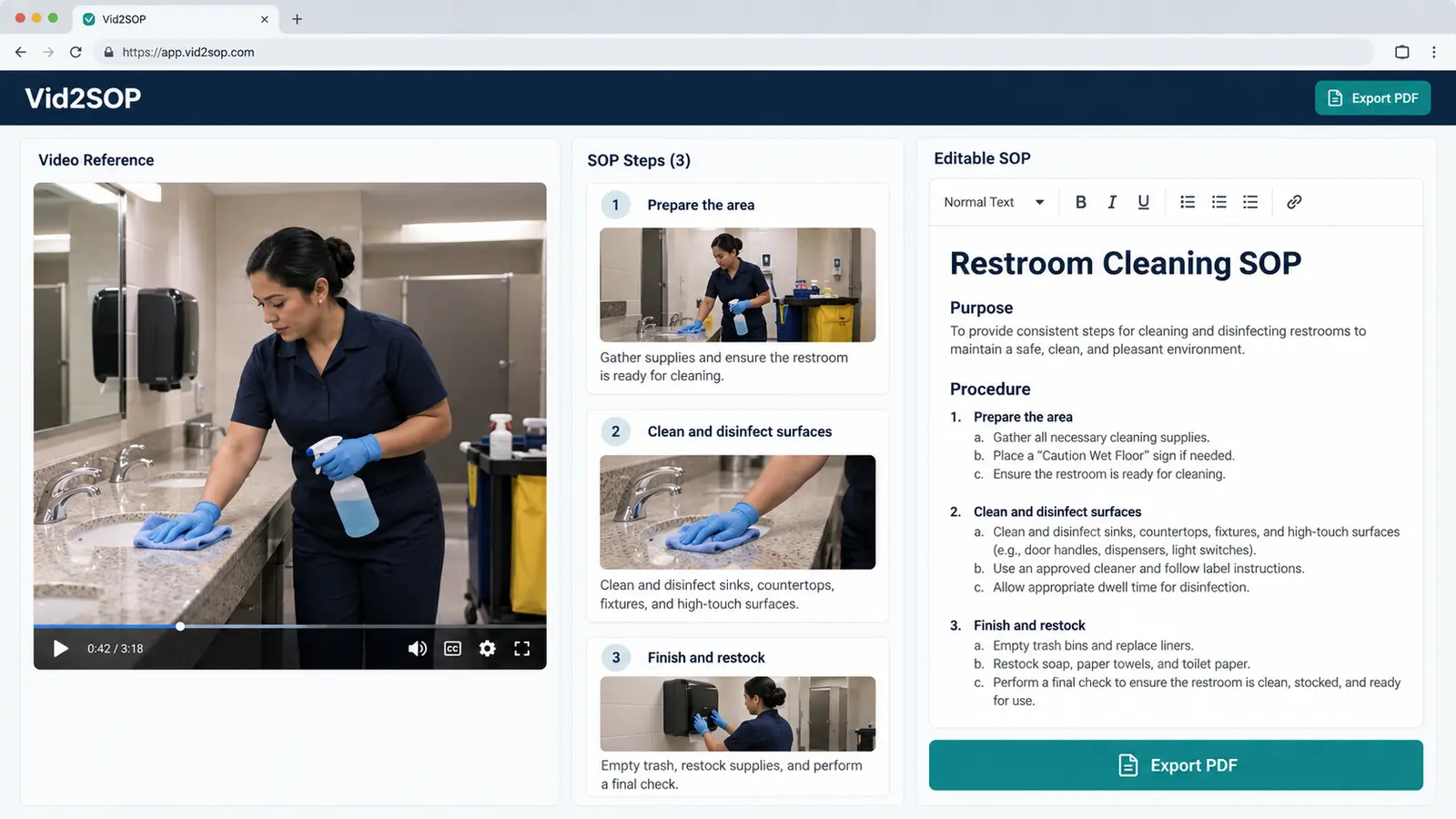
- Upload the video to Vid2SOP. The current visual-draft workflow captures images from the video into an editable draft.
- Write the instructions for each step, add company-specific rules, and review the draft with a supervisor.
- Use the approved guide alongside hands-on training and your company’s safety procedures.
Vid2SOP does not transcribe speech or automatically write the procedure in this workflow. The team supplies and reviews the step instructions. Remove customer details from footage and follow your company’s safety program, product labels, and privacy requirements.
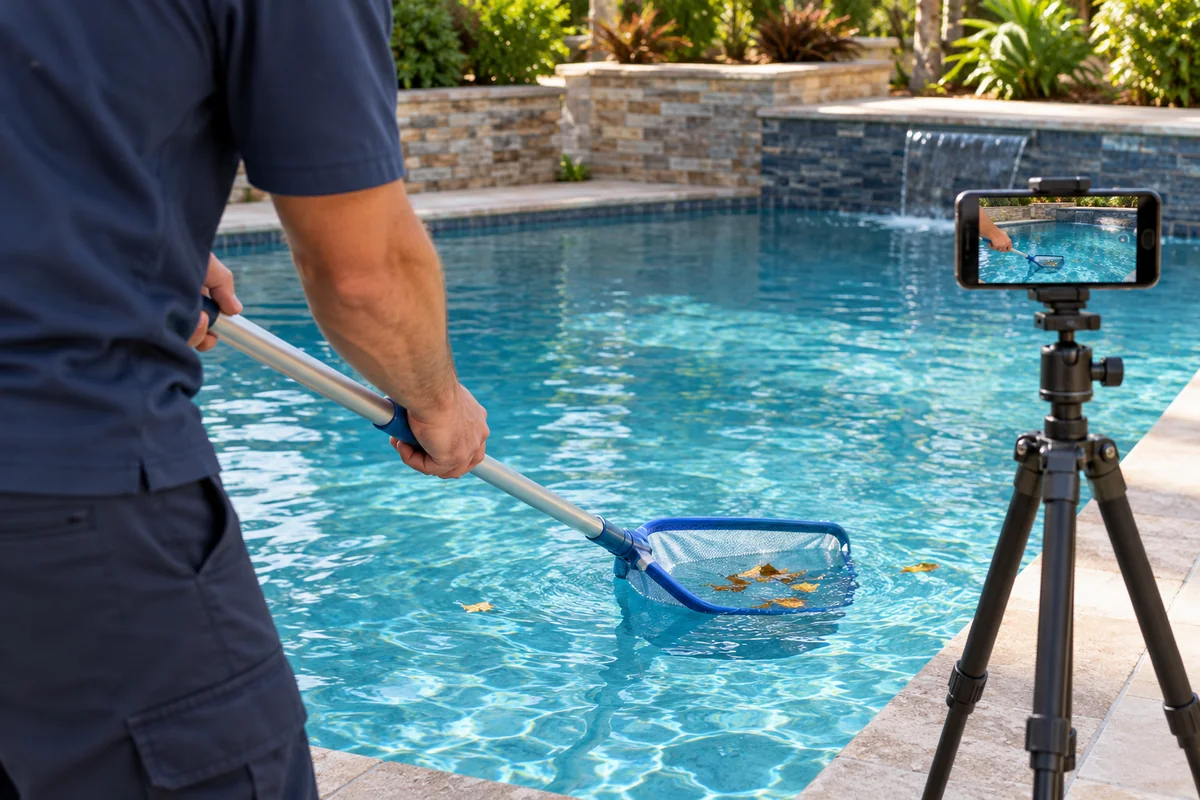
AI-generated illustration for editorial use; it does not depict an actual Vid2SOP user or customer job.
Plan content around your local pool season
Pool seasons vary by climate and service area. Use this table as a planning prompt and replace each topic with services your business actually offers.
| Period | Possible focus | Example ideas |
|---|---|---|
| Before your local season | Schedule questions and service availability | 17, 18, 27 |
| Busy service period | Explain the routine and show approved work | 2, 7, 9, 10, 24 |
| Leaf or storm season | Route updates and service boundaries | 4, 5, 14, 20 |
| End of your local season | Closing or winter services, if offered | 19, 22, 26 |
A simple weekly rhythm could be:
- Monday: explain a service or answer a common question.
- Wednesday: show a permission-approved work detail or team process.
- Friday: share a local reminder or real route availability.
Three posts a week is only a starting option. Choose a pace you can maintain and keep every service claim accurate.
Use relevant local hashtags sparingly
Choose a small set that matches the post and your actual service area, such as #PoolService, #PoolCare, or #[City]PoolService. Avoid unrelated trending tags. On Facebook and Google Business Profile, clear location wording in the post may be more useful than a long hashtag list.
Photograph a visit with future content in mind
For suitable jobs where the customer has given permission:
- Take a before photo from a consistent position.
- Photograph the specific detail your team addressed.
- Record only safe, approved clips; do not film private information or people without consent.
- Take an after photo from the same position if it accurately represents the work completed.
- Confirm the homeowner approved public use before posting.
Use neutral file names such as date-area-job-before and date-area-job-after. Do not put the customer’s name or street address in files that may be shared.
Save time on designs
Creating every graphic from a blank page takes time. The Pool Service Canva Templates & Marketing Kit is listed with 100 social media post templates, 100 captions, and 161+ marketing assets for pool service businesses. Customize the designs with your own approved photos, services, service area, and contact details before publishing.
Frequently asked questions
What should a pool service company post on social media?
Share a balanced mix of approved work photos, service explanations, seasonal updates, team introductions, real customer feedback, and clear ways to inquire. Keep every claim specific to your business.
How often should a pool service business post?
Start with a rhythm your team can maintain. Three posts per week is one option; fewer consistent posts are better than a schedule that quickly becomes difficult to sustain.
Can I post photos of customers’ pools?
Get the homeowner’s permission before sharing a pool or property. Remove addresses, house numbers, people, and details that could reveal when a home is empty.
Are green-to-clear posts worth making?
They can help viewers understand a visible change when the footage shows a real job. Do not promise the same result or timeline for another pool, and do not describe water as safe to swim based only on appearance.
Should pool service posts include chemical instructions?
Avoid generic doses or mixing instructions. Encourage customers to follow product labels and consult a qualified pool professional about their specific pool.
Can social media videos help train technicians?
A permission-cleared video can help document visual steps. Vid2SOP captures video frames in an editable draft; the team writes and reviews each instruction and uses the guide alongside hands-on training.
Start on your next route day
Choose one post idea that reflects work your team actually does. Capture only what you have permission to share, write a specific caption, and give local customers one clear way to ask about your service.
Put your process into practice
Record a well-run route visit, turn key moments into an editable visual SOP draft, and write and review the instructions your team will follow.
Create your SOP