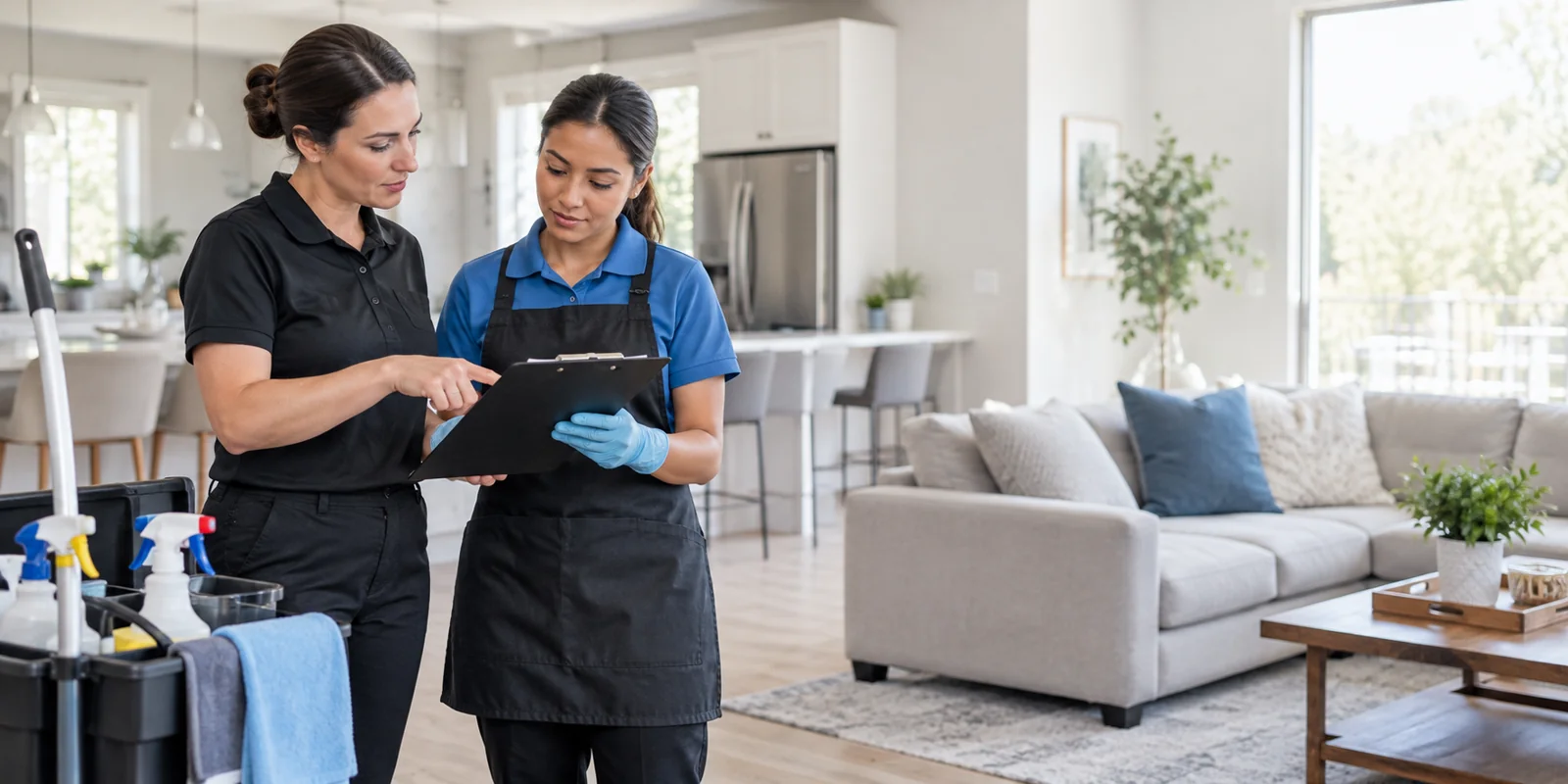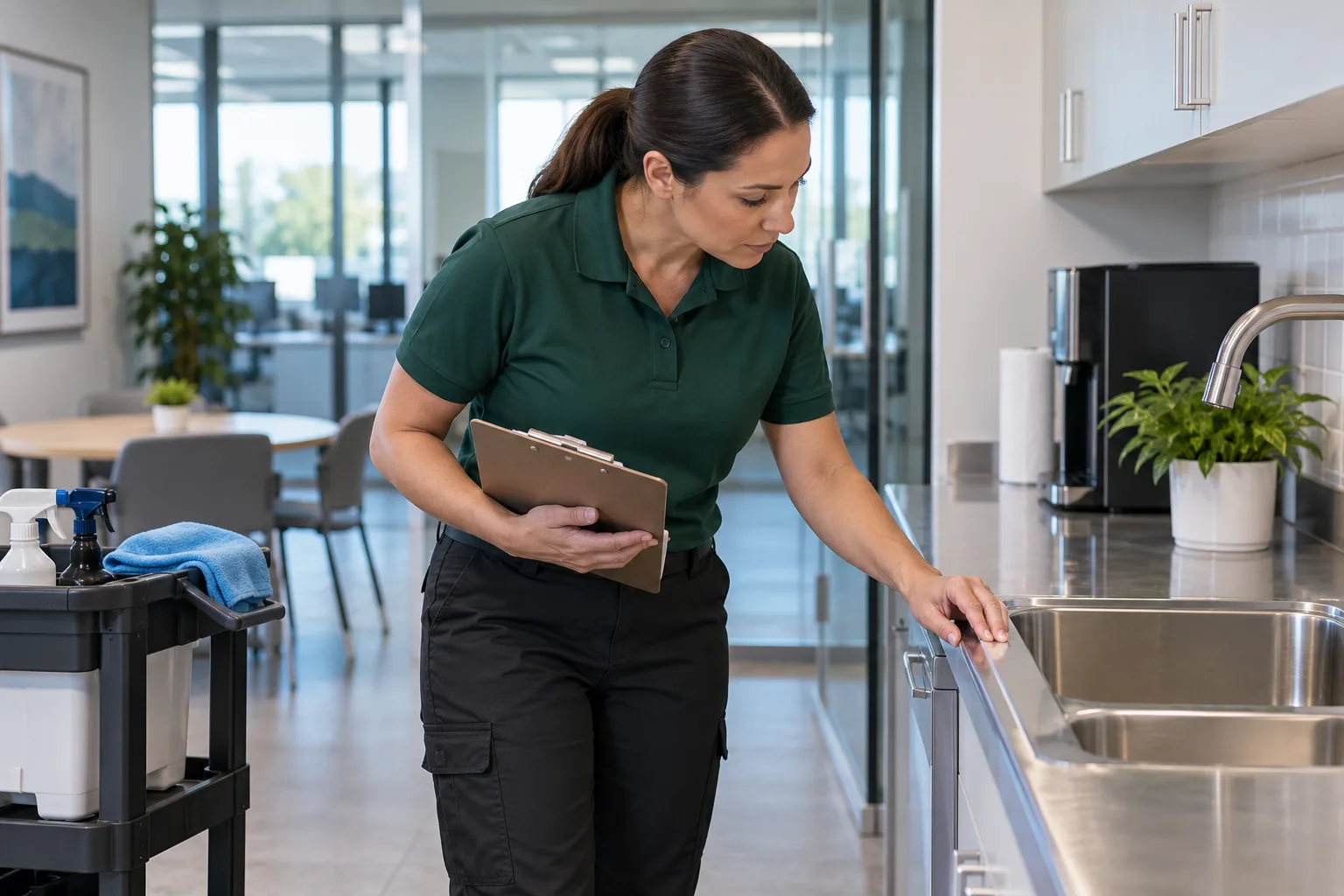
Clean glass is easy to appreciate in person and surprisingly difficult to show in a photograph. A spotless pane can look like nothing happened, even after careful work.
Window cleaning content needs to make that work visible. A squeegee pass, the contrast on a half-cleaned pane, or the view through a finished window gives customers something concrete to notice.
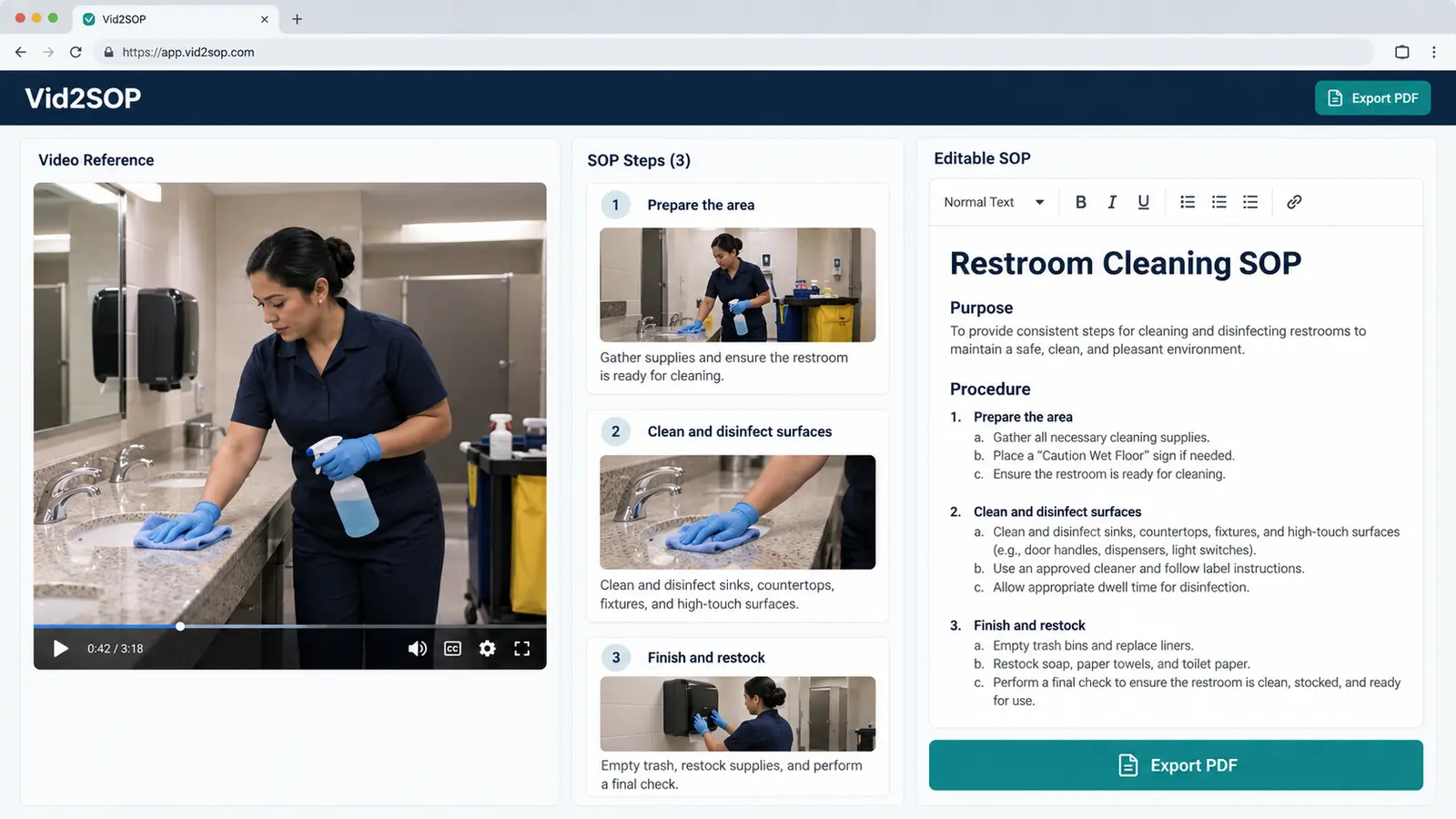
The same recording can also serve your team. Keep a complete demonstration for training, then extract a short moment for social media. With Vid2SOP, you can capture visual steps from the video and assemble an editable SOP draft, adding and reviewing the written instructions before using it.
If you need a design base for your posts, browse the Window Cleaning Canva Templates from Local Growth Studio on Etsy. Customize the templates with your real services, photos, and contact details. Disclosure: Vid2SOP and Local Growth Studio, the creator of these templates, are related brands.
Below are 30 window cleaning social media post ideas with captions and visual briefs, five short video formats, a four-week plan, and a practical workflow for turning job footage into training material.
Replace every bracketed field before posting. Use only services, results, reviews, and availability you can verify. Get customer permission before showing property, and exclude faces, private interiors, addresses, house numbers, license plates, live routes, and vacancy details. Keep comparisons accurate and film ordinary ground-level tasks without interrupting safe work. Illustrations are editorial material, not evidence of a real job.
30 window cleaning social media post ideas
Show the work in motion
1. The satisfying squeegee pass
Visual: A vertical video of one normal pass across accessible ground-level glass, recorded by a stationary camera.
Caption: “Watch the view return. We're cleaning [window type] in [City] today, one careful pass at a time. Save this clip for your next window-cleaning reminder.”
2. The half-pane reveal
Visual: A short video showing the genuine contrast halfway through cleaning, then the completed pane from the same angle.
Caption: “Halfway through, the difference is clear. We cleaned this [window type] in [Neighborhood] today. Send us a message if your glass needs attention too.”
3. The view from outside
Visual: A video of the outdoor scene reflected in finished ground-level glass, with no people or identifying property details visible.
Caption: “The result is the view. We finished this [window type] after [actual task], and the difference shows from this angle. Tell us which window you notice first at home.”
4. The final edge detail
Visual: A close video of your actual finishing step at the edge of a ground-level pane.
Caption: “The edges deserve attention too. We finish with [actual detailing step] on this type of window. Save this clip if you enjoy seeing the small details.”
5. A ground-level storefront timelapse
Visual: A fixed-camera timelapse of an approved, accessible storefront. Make clear that the clip is sped up.
Caption: “A whole visit in one short timelapse. We cleaned [actual surfaces] at this [business type] in [Area]. Message us about your storefront's cleaning needs.”
Explain what customers are looking at
6. Interior, exterior, or both?
Visual: Two labeled panels explaining which side of the glass each service covers.
Caption: “Inside, outside, or both? We offer [actual options], and you choose what your property needs. Tell us which surfaces you want included.”
7. Screens in close-up
Visual: A genuine screen-cleaning image or video from your own service.
Caption: “The screen is part of the view too. We cleaned this one using [actual process] during [service type]. Ask us about screen care for your next visit.”
8. Tracks that collect debris
Visual: An accurate comparison of the same track before and after your actual work.
Caption: “Look beyond the glass. We removed [actual debris] from this track in [Area]. Save this as a reminder to check your own tracks.”
9. Not every mark is ordinary dirt
Visual: A close-up of an actual mark, labeled as an assessment example rather than a promised restoration result.
Caption: “Some marks remain after routine cleaning. We inspect [actual issue] before recommending a next step. Send us a private photo to start the conversation.”
10. What your quote covers
Visual: A compact card listing your real included tasks and separately priced extras.
Caption: “Know what's included before we arrive. Our [service name] covers [Task 1], [Task 2], and [Task 3]; [extra] is separate. Ask us for the written details.”
Connect with the local calendar
11. Spring window check
Visual: A ground-level exterior window with genuine seasonal surroundings.
Caption: “Spring light makes the glass easier to notice. We're helping customers in [City] with [actual service] this [Month]. Save this for your spring home-care list.”
12. Pollen on the pane
Visual: Actual pollen visible on accessible glass or a sill in your area.
Caption: “That film on the glass is part of pollen season here in [Area]. We cleaned [actual surfaces] on this visit. Tell us what you're seeing on your windows.”
13. Preparing for guests
Visual: An exterior detail with seasonal decoration, approved for use and free of identifying information.
Caption: “Getting ready for [occasion]? We're helping [City] homeowners refresh [actual surfaces] before guests arrive. Save this for your hosting checklist.”
14. After a windy week
Visual: A close-up of actual debris on ground-level glass, without suggesting a dangerous post-storm inspection.
Caption: “A windy week left [actual debris] on this glass in [Area]. We completed [actual cleaning task] during today's visit. Message us about the windows you can safely see from the ground.”
15. A neighborhood introduction
Visual: Your equipment or branding in an appropriate public setting, without customers' homes or live route details.
Caption: “Hello, [Neighborhood]. We're [Business], serving this area with [actual services]. Follow us for local work examples and practical window-care reminders.”
Show how commercial service works
16. Glass at the entrance
Visual: A permission-approved detail of a business entrance after cleaning.
Caption: “The entrance is where visitors meet the building. We cleaned [actual surfaces] for this [property type] in [Area]. Send us a message about your entrance glass.”
17. Working around operating hours
Visual: A neutral planning card or an approved work image; do not reveal when a property is unattended.
Caption: “Cleaning works better when access is planned. We coordinate [actual arrangement] with our commercial customers. Tell us which access requirements matter at your building.”
18. A storefront reflection reveal
Visual: A short video changing the camera angle slightly to show the genuine reflection on finished ground-level glass.
Caption: “A different angle shows today's work. We finished [actual surfaces] at this [business type]. Save this clip if you manage storefront glass.”
19. Consistent notes for property managers
Visual: A staged example of your visit note with fictional sample information, clearly labeled as a sample.
Caption: “A useful visit note makes follow-up easier. We record [actual information] after [service type]. Ask us how we communicate completed work.”
20. One commercial customer's question
Visual: A readable question card with your real answer.
Caption: “A question we hear from building teams: ‘[actual question].’ We handle it by [accurate answer]. Send us the question you want answered next.”
Build trust with specific details
21. Meet the crew
Visual: An equipment preparation shot or branded team card without faces.
Caption: “Meet the team behind the work. We're [Business], and [Name] handles [actual role]. Send us a hello or a question about our process.”
22. Preparing the work area
Visual: A demonstration of your actual protection measures at a controlled location without private interior details.
Caption: “Preparation comes first. We use [actual protection measures] before this type of cleaning. Save this post if you like seeing how the work starts.”
23. Equipment checks before work
Visual: A stationary shot of a team member checking ordinary equipment on the ground; no ladder or height demonstration.
Caption: “The job starts before the first pane. We check [actual equipment checks] as part of our routine. Ask us about the preparation behind our service.”
24. The tools we actually use
Visual: A flat-lay of your real everyday tools, without staging a chemical-handling tutorial.
Caption: “Simple tools, specific jobs. We use [tool] for [actual purpose] on suitable glass. Tell us which part of the process you'd like to see explained.”
25. A real review
Visual: An exact, approved review excerpt in a readable design; omit personal identifiers.
Caption: “‘[short exact review excerpt].’ We appreciate this customer's feedback on [actual service]. Read the full review at [review link].”
Keep the conversation useful
26. Your final check
Visual: A video of a ground-level inspection, showing the actual check rather than claiming that a photo proves perfection.
Caption: “We check before packing up. On this visit, we reviewed [actual checks] after cleaning. Save this clip to see the finish as well as the process.”
27. A genuinely available appointment
Visual: A simple availability card using current information.
Caption: “We have [number] appointments available in [Area] during [period]. Send your ZIP code and [details needed] if you'd like us to check a fit.”
28. A seasonal reminder for followers
Visual: An exterior seasonal image or a neutral reminder card.
Caption: “A new season is a useful reminder to check your glass. We're sharing [actual seasonal tip] for [Area]. Save this for your next home-care review.”
29. Choose the next demonstration
Visual: Two frames from demonstrations you can safely record at ground level.
Caption: “What should we show next: [Task A] or [Task B]? We can explain both using our everyday routine. Leave your choice below.”
30. A month of real work
Visual: A carousel of approved, accurately labeled work details from the month.
Caption: “This month we worked on [actual highlights] across [Area]. Thanks for following our team. Tell us which service you'd like explained next.”
Record once, use twice: turn job footage into a team SOP
A promotional clip shows a moment. A training recording explains the sequence around that moment: preparation, technique, finishing checks, and cleanup. Keeping both gives the footage a second purpose without asking the crew to repeat the demonstration for every new employee.
Window cleaning routines also vary by service. A new team member needs to know what the package includes, which surfaces require assessment, and when to stop and ask a supervisor. The same reference helps someone cover an absent colleague without relying on memory alone.
- Record a complete, approved routine. Use an accessible ground-level demonstration and a stationary camera or separate camera operator. Include your actual preparation, cleaning, detailing, final checks, and cleanup. Keep customer information out of the recording. Do not interrupt safety-critical work to improve the shot.
- Extract a short marketing moment. Choose a squeegee pass, a genuine contrast, or the finished result. Keep the full source recording for the training draft. A short promotional edit should not become the team's only account of the procedure.
- Upload the recording to Vid2SOP. Capture images from the video and assemble the visual steps into an editable SOP draft. Write the instructions that explain the task; narration in the recording is not a substitute for reviewed written steps.
- Review and complete the draft. Add included tasks, quality checks, escalation rules, and your company's applicable safety requirements. Check that the images match the instructions. Explain exceptions rather than implying that every property uses the same method.
- Train, observe, and compare. Use the draft alongside hands-on practice. Watch an actual demonstration, check understanding, and update the procedure when the team identifies a missing or unclear step.
A supervisor reviews every draft before use. An SOP supports hands-on training and does not replace it or your safety program.
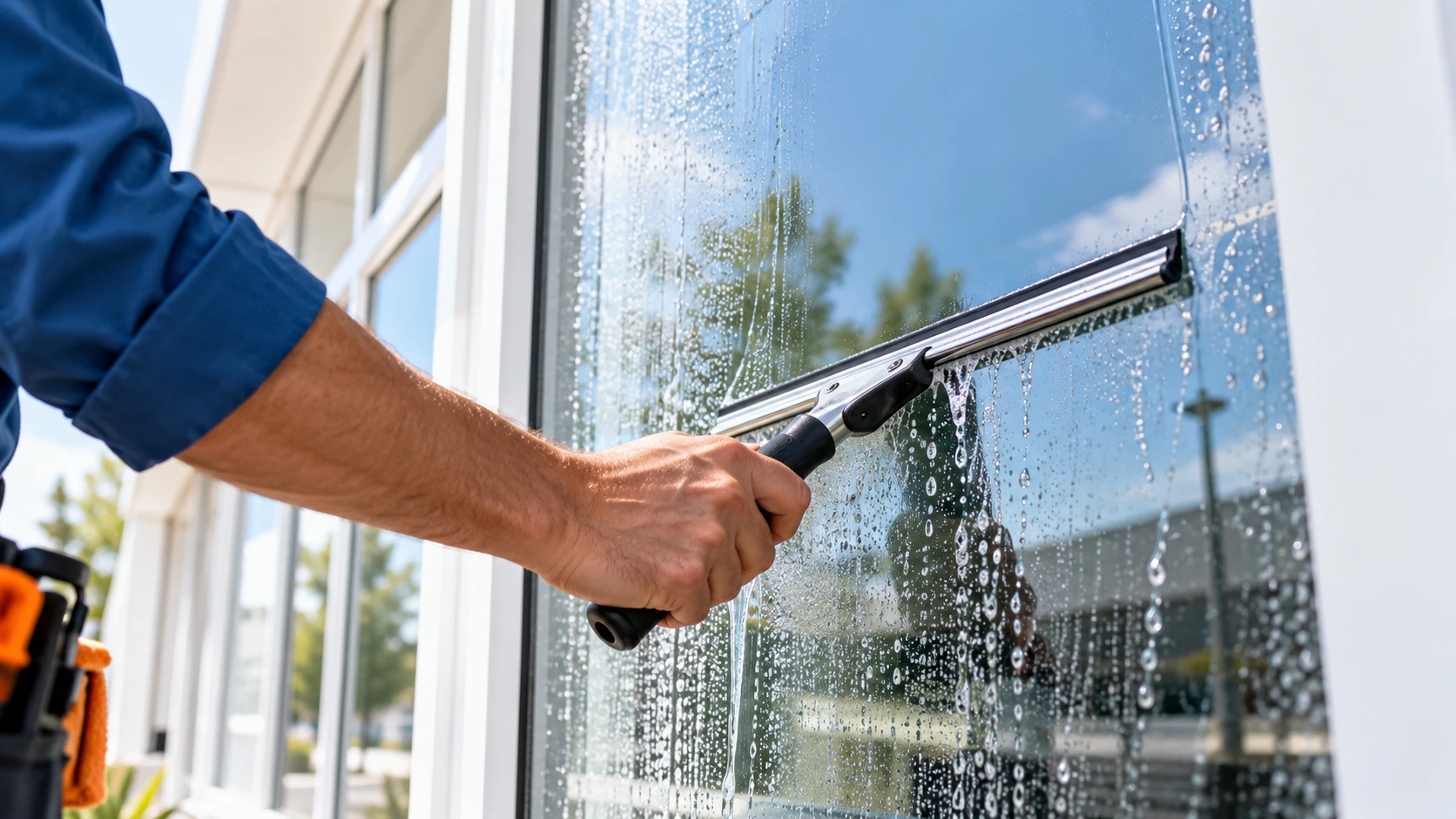
AI-generated editorial illustration of window cleaning; this is not a photograph of a customer job.
Turn your next window-cleaning demonstration into an SOP with Vid2SOP
For a structure to adapt, see the Cleaning SOP Template and Cleaning Inspection Checklist.
Five short video formats for window cleaners
Rotate these formats to explain different parts of the work. They do not guarantee reach.
| Format | What to capture | Practical filming detail |
|---|---|---|
| Single pass | One normal squeegee stroke | Keep the camera fixed and the task unobstructed |
| Half-pane reveal | Genuine contrast, followed by the finish | Keep angle and exposure consistent |
| Edge detail | One finishing step | Use a close view of accessible glass |
| Storefront timelapse | An approved ground-level sequence | Identify it as sped-up footage |
| Final check | The checks your team actually performs | Show the relevant detail without claiming perfection |
For a vertical short, frame the useful action clearly and remove long setup footage from the promotional edit. Keep setup in the training version when it explains the process. Use original sound if it is clear and contains no private conversation.
How to photograph clean glass
Give the viewer a reference point: the remaining dirt on a half-cleaned pane, a frame edge, or a reflection that makes the surface visible. Experiment with a modest change of angle to reduce your own reflection.
Keep before-and-after framing consistent. If conditions changed, say so rather than implying a controlled comparison. A photograph shows what the camera captured; it does not establish that every surface passed every quality check.
Google's Business Profile photo guidelines favor focused, well-lit images that represent reality without substantial alterations.
A four-week content plan
Start with three weekly posts if sustainable. Keep remaining ideas for later, and check dates and availability before posting.
| Week | Post 1 | Post 2 | Post 3 |
|---|---|---|---|
| 1 | Squeegee pass | Interior or exterior service | Neighborhood introduction |
| 2 | Half-pane reveal | Equipment checks | Seasonal window check |
| 3 | Edge-detail video | What your quote covers | Real customer review |
| 4 | Final-check video | Commercial question or residential equivalent | Monthly recap |
Hashtags for window cleaners
Choose a small relevant set and test it alongside clear local wording. Here is a seven-tag example to customize:
#[City]WindowCleaning #[City]HomeServices #[Neighborhood] #WindowCleaning #WindowCleaner #Squeegee #BeforeAndAfter
Remove brackets and spaces from your location tags. Replace a tag when it does not describe the post. Hashtags do not guarantee local distribution, so keep your service area clear in the caption and profile too.
Reply consistently and measure useful inquiries
Keep a simple first-response template:
“Thanks for reaching out to [Business]. What ZIP code is the property in, and do you need interior, exterior, or both? Please mention screens, tracks, or unusual marks. We'll explain the next step for an estimate.”
| Track | What it tells you |
|---|---|
| Post topic and date | Which message prompted a conversation |
| Link clicks, when available | Whether readers visited the relevant page |
| Quote requests | Whether content prompted inquiries |
| Requests you can serve | Whether the audience fits your area and offer |
| Booked work | Whether inquiries turned into business |
Ask new customers how they found you. Review several weeks of results before dropping a format, especially when inquiry counts are small. A click or a direct-traffic label alone does not prove that a post caused a sale.
Frequently asked questions
What should a window cleaning business post on social media?
Show ordinary work in motion, explain services clearly, answer genuine questions, and share accurate local updates. Give each post one detail and one relevant next step.
How often should window cleaners post?
Choose a pace your team can maintain. Three weekly posts is the starting plan here, but fewer accurate, useful posts are preferable to a schedule you cannot support.
Why do my clean-window photos look unimpressive?
Transparent glass gives the camera little contrast. Try a genuine half-pane comparison, a frame edge, or a reflection, and use motion when it explains the work better.
Can I use the captions exactly as written?
Replace bracketed fields and remove services or claims that do not fit your business. Check the final wording against the work shown and the next step you actually offer.
Can job videos help train new technicians?
Yes. Keep the complete demonstration and use Vid2SOP to assemble visual steps into a draft. Add and review written instructions, then use the procedure alongside hands-on practice.
Do video posts guarantee more bookings?
No. They can make the work easier to understand, but local relevance, the offer, response handling, and other factors affect results. Track suitable inquiries and booked work.
Start with your next demonstration
Record one ordinary ground-level task with permission and a camera setup that does not interrupt the work. Extract a short clip for customers, then keep the complete sequence for your team's reviewed procedure.
Build an editable visual SOP draft with Vid2SOP
Editorial note: This guide provides general marketing and operational information; verify service claims and permissions, and follow your company's safety program before recording or publishing.
Put your process into practice
Record a safe demonstration, extract a useful clip for customers, and build a reviewed visual SOP draft for your team.
Create your SOP