The hour after finishing a window cleaning job is a practical time to introduce your business to the five to ten homes around it. You are already on the street, the service is locally relevant, and the next inquiry could fit a route you already serve.
This guide gives you five adaptable copy examples, door hanger sizes and material choices, clear placement rules, and a simple way to measure a neighborhood test from delivery to completed jobs.
Five around a finished job
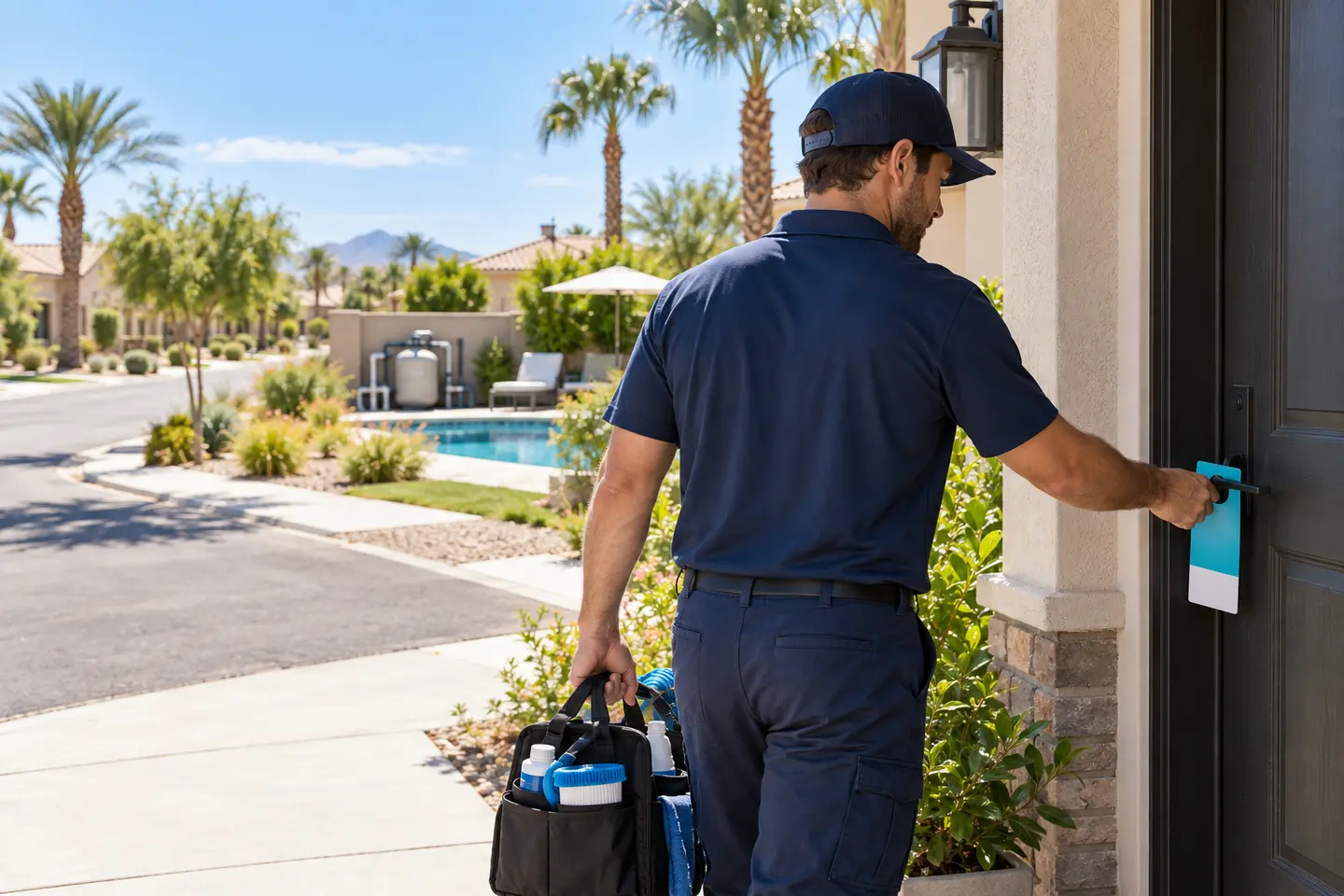
Before leaving a completed job, set aside a short walk to five nearby homes. Extend it to ten when the street, access, and available time make sense. Use the completed-job message below and offer an estimate for the same service you just performed.
Keep the message local: "We just finished a home near you." Do not name the customer, identify their house, or imply an endorsement without permission. Record the street and actual quantity delivered so these small walks become a campaign you can measure.
This is an operational starting point, not a proven best-performing time window. Use your own inquiries, completed jobs, and costs to decide whether it works in your area.
What should a window cleaning door hanger accomplish?
A homeowner should understand three things within a quick glance:
- The business provides window cleaning.
- The service is available in their area.
- There is an easy next step.
That next step might be calling, texting, or requesting an estimate through a short website link.
Choose one main action. A phone number, QR code, website, email address, and several social accounts can compete for attention if they all appear equally important.
For a small business that actively monitors text messages, the main action could be:
"Text your address and a few window photos to request an estimate."
For a business with a reliable quote form:
"Scan to request a window cleaning estimate."
The destination should explain what happens next. Avoid inviting someone to "book now" if the business still needs to assess access, scope, or pricing before confirming an appointment.
Door hangers, flyers, or postcards?
These materials can support different distribution methods.
| Format | Practical use | What to check |
|---|---|---|
| Door hanger | Selected residential streets around a service route | Handle fit, permitted placement, weather exposure, and local distribution requirements |
| Flyer | Handing information directly to a prospective customer or displaying it with a business owner's permission | Readability, contact information, and available display space |
| Postcard | A planned mailing campaign | Current postal requirements, mailing costs, and route selection |
Choose the format around the distribution plan.
A door hanger needs space for its cutout and a layout that remains readable when hanging. A standard flyer design should be adapted to the printer's door hanger template before production.
For more flyer-specific examples, read Window Cleaning Flyers: What to Include + Copy Examples.
What to put on a window cleaning door hanger
1. A headline about the service or result
Use a headline that matches the work you actually provide.
Examples:
- "Window Cleaning in [Neighborhood]"
- "A Clearer View Starts Here"
- "We're Cleaning Windows Nearby"
- "Get Your Windows Ready for Guests"
The headline should work without requiring the reader to inspect a small logo or read several paragraphs.
2. A short description of the scope
Window cleaning can mean different things to different customers.
State whether the campaign promotes exterior cleaning, interior and exterior cleaning, or a particular package. Mention screens, tracks, or frames only when their treatment is included or clearly available as an additional service.
For example:
"Exterior window cleaning for homes in [Service Area]. Ask about interior glass and screen cleaning."
This is clearer than "Complete window care" when the package has several exclusions.
3. One genuine offer
An offer does not have to be a discount.
It can be:
- A free estimate, if estimates are free.
- Availability on an upcoming neighborhood route.
- A clearly defined seasonal package.
- An invitation to request recurring service.
- A real promotion with stated conditions.
Do not advertise limited spaces unless those limits are real. If you show a starting price, explain the important conditions and what it covers.
4. A useful project image
A genuine project photo can help readers understand the service.
Choose an image where the glass, window frames, or cleaned result is visible. Avoid misleading lighting differences in before-and-after comparisons.
Get permission before using customer property images, and remove details that identify the household unnecessarily.
Marketing mockups can illustrate a layout when clearly labeled. Your own business advertisements should use accurate evidence of your work.
5. Clear contact details
Make the phone number or short website readable without scanning a QR code.
Repeat the main contact method on the back if the hanger is double-sided.
Use a number the business monitors. Test it from another phone before printing.
6. Accurate trust information
You can include verified information such as insurance coverage, a real customer testimonial used with permission, or a link to your project gallery.
Do not invent ratings, review counts, qualifications, or guarantees.
A simple, accurate description of the service is more useful than a row of unsupported badges.
Five window cleaning door hanger copy examples
Replace every bracketed field before printing. These are sample messages: use only services, offers, access methods, and schedules your business can honor, including free photo estimates where stated.
Example 1: Neighborhood route introduction
Headline
"We're Cleaning Windows Nearby"
Supporting copy
"[Business Name] provides exterior window cleaning for homes in [Area]. We're planning our next local route for [Date or Period]."
Call to action
"Text [Phone Number] with your address to request an estimate."
Back-side details
"Tell us whether you need exterior cleaning only or interior and exterior service. Photos can help us understand the windows and access before confirming the scope."
Use this version when the route and dates are confirmed. Do not imply that a specific neighbor is a customer without permission.
Example 2: Completed-job introduction
Headline
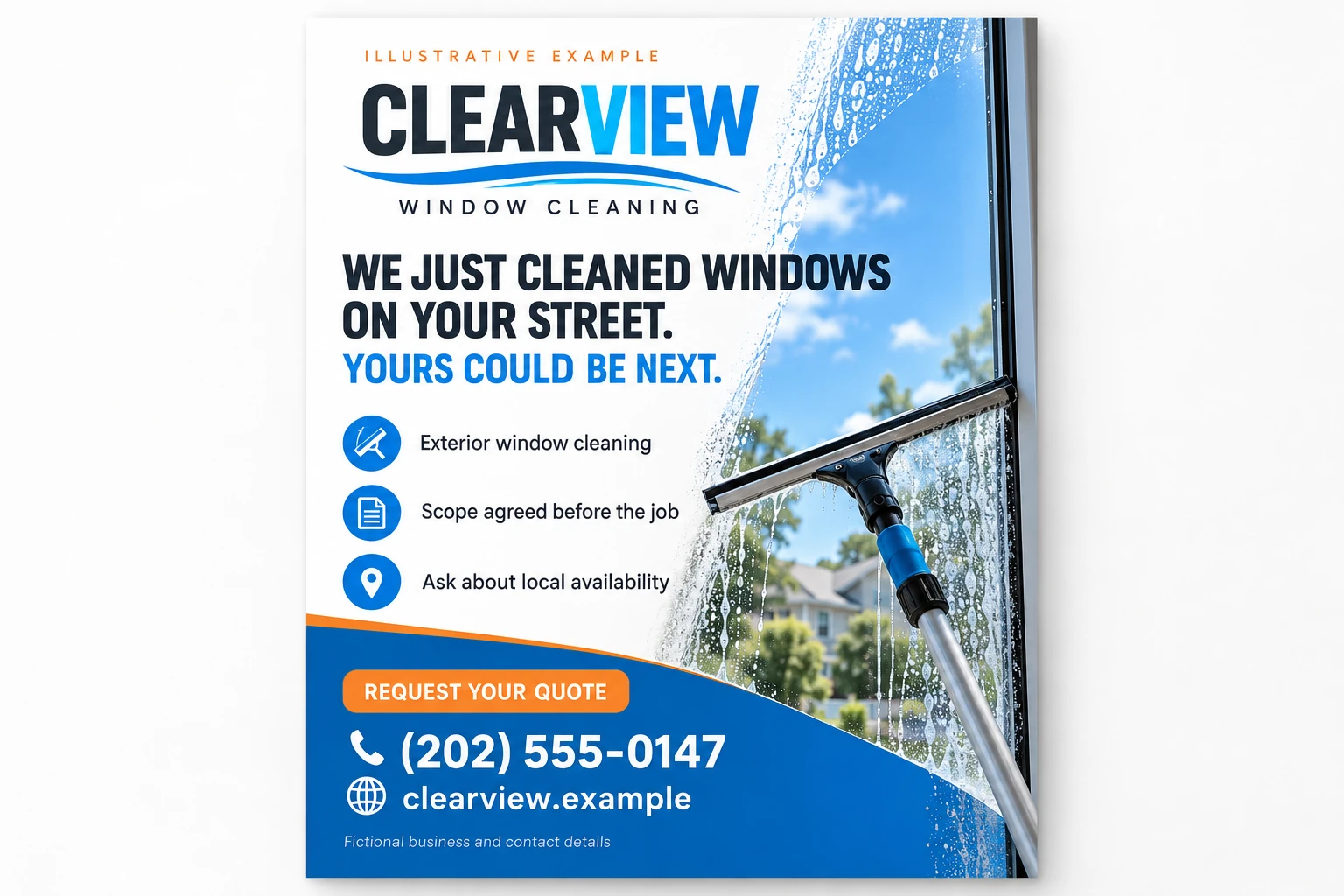
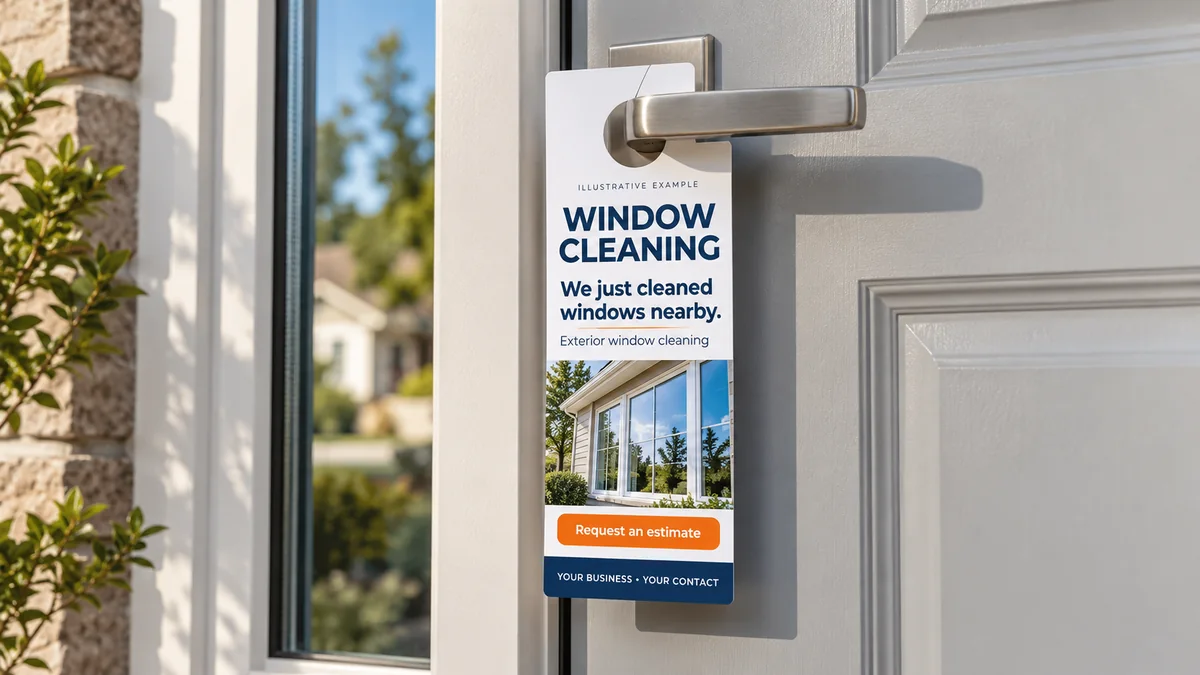
"We Just Cleaned Windows Nearby"
Supporting copy
"We just finished a home near you. If your windows are next, text us a photo for an estimate."
Call to action
"Call or text [Phone Number] for an estimate."
Back-side details
"View examples of our work at [Short Website]."
Use "on your street" only when it is accurate. Keep the customer's name and exact property details out of the message unless they explicitly agreed to their use.
Example 3: Seasonal preparation
Headline
"Get Your Windows Ready for Guests"
Supporting copy
"Planning for [Season or Occasion]? Ask about window cleaning appointments in [Area] during [Period]."
Call to action
"Request an estimate at [Short Website] or call [Phone Number]."
Back-side details
"Exterior glass cleaning only. Interior glass, screens, and tracks are quoted separately; hard-water stain removal is not included."
The season should match local conditions and the customer's likely needs. Avoid using an expired campaign after the occasion has passed.
Example 4: Exterior-only service
Headline
"Exterior windows cleaned, from the ground up. Free estimate from a photo."
Supporting copy
"Exterior window cleaning for homes in [Area]. We confirm the window count, access, and service scope before scheduling."
Call to action
"Text your address and a few window photos to [Phone Number]."
Back-side details
"Interior cleaning, screens, and tracks: [State whether included, available separately, or not offered]."
Use the ground-based headline for jobs you can actually complete from the ground. State the access requirements and any exclusions in the estimate.
Example 5: Recurring window cleaning
Headline
"Clean windows on a schedule. Never think about it again."
Supporting copy
"Ask [Business Name] about recurring window cleaning for your home in [Area]. We'll discuss the service scope and a schedule that fits your property."
Call to action
"Call [Phone Number] to discuss available service options."
Back-side details
"Choose from [Actual Schedule Options], subject to local availability."
Use this version only if the business has a workable recurring-service process. Explain scheduling and cancellation terms before the customer commits.
Design the front and back for different jobs
If you want a consistent design base, the Window Cleaning Canva Marketing Kit on Etsy includes 100 editable social media post designs and 100 captions. These support the online side of your campaign. A print-ready door hanger format has not been confirmed for this kit: adapt suitable artwork to your printer's door hanger template rather than treating a social post as a ready-to-print hanger.
Disclosure: Vid2SOP and Local Growth Studio are related brands. This article links to a digital product from our Etsy shop.
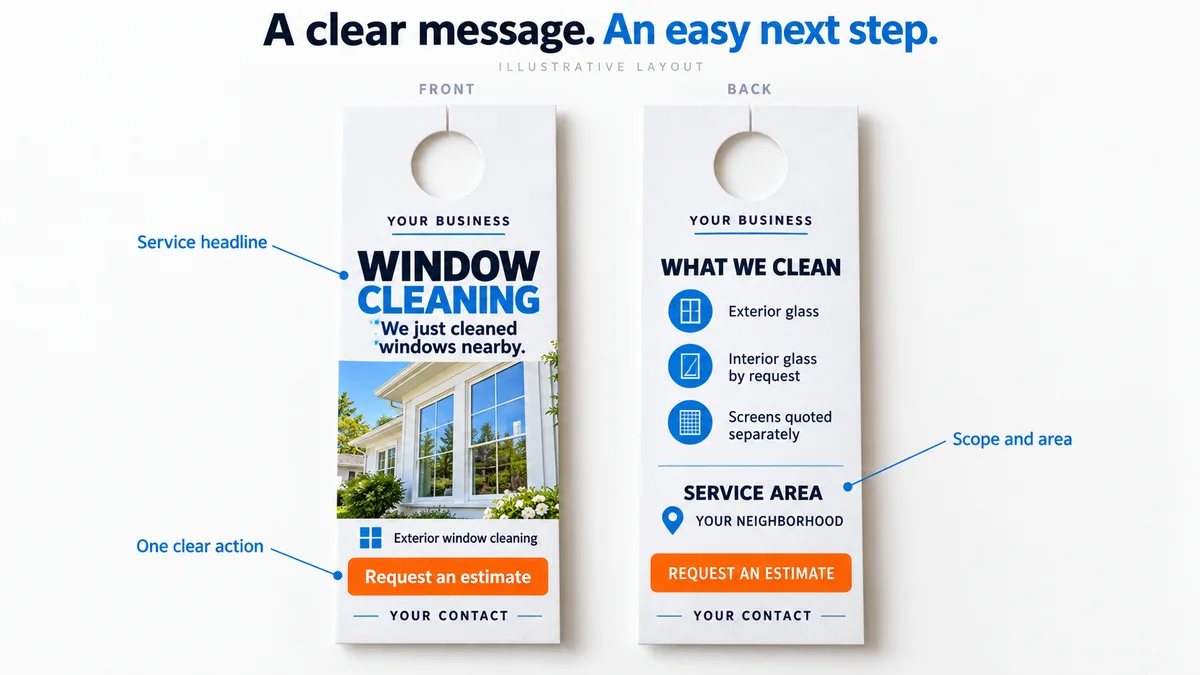
The front should introduce the service and make the response easy.
A practical front-side order is:
- Headline.
- Business name.
- One relevant image.
- Service or offer.
- Main contact action.
The back can explain the details:
- Service area.
- Included services.
- Relevant exclusions.
- One accurate trust statement.
- The repeated phone number or short website.
Leave clear space around the handle cutout. Do not place essential wording where the printer will remove it.
Use strong contrast and restrained typography. Readability matters more than fitting every service onto the hanger.
Before printing, check that a homeowner can find the service and contact information while holding the design at a normal reading distance.
Door hanger sizes, cardstock, and cutouts
Two common finished sizes are 3.5 x 8.5 inches and 4.25 x 11 inches. The smaller format suits a short message; the larger format gives more room for a project photo and service details. Choose the size before laying out the artwork.
Printers commonly offer 14 pt or 16 pt cardstock. The pt value describes thickness, not paper weight in pounds. Compare samples and finish options; ordinary cardstock is not waterproof.
Ask for the exact die-cut template. A hole with a slit, hook, or other cutout changes how the hanger fits a handle and how much usable space remains. Keep headlines, phone numbers, and QR codes outside the cutout and inside the safe area.
One-sided printing suits a short introduction. Use two sides when the back needs scope, service area, or estimate instructions. Repeat the main contact method on both sides.
NextDayFlyers' door hanger specifications show these size and stock options; availability depends on the printer you choose.
Check the print file before ordering
Use the printer's template, then check bleed, safe margins, cutout clearance, front/back orientation, and image sharpness. Test the contact details and scan the QR code from a physical proof before ordering the test batch.
The Window Cleaning Flyers guide covers the shared contact and print-file checks in more detail. Here, pay particular attention to the handle cutout and whether the final hanger stays secure.
Where to hang it - and where to skip
Use an accessible front door handle only where distribution is permitted. Do not enter side yards, cross locked gates, or place materials on cars, garage handles, or loose on the doorstep.
- Never put a hanger in, on, or attached to a mailbox. USPS rules prohibit unpaid advertising material placed in or supported by mail receptacles. See USPS Domestic Mail Manual 508, section 3.1.3.
- Skip homes displaying "No Soliciting," "No Advertising," or "No Trespassing" notices.
- Check local distribution requirements and HOA or gated-community rules before entering. Being hired by one resident does not authorize marketing throughout a private community.
- Do not leave a hanger where it can blow away. If the handle or entrance cannot hold it securely without damage, skip the property.
Weather and timing
Distribute while you are already on the street for a job, after the customer's work and cleanup are complete. Avoid rain and high winds: wet or scattered marketing materials create cleanup work rather than a useful introduction.
Carry a small protected batch in the vehicle and replenish it as needed. If conditions change during the walk, stop and record what was actually delivered.
Time the first 100 hangers
Time your first 100 actual deliveries on eligible homes, including the walk between doors and return to the vehicle. Record skipped properties separately. If you deliver in several small walks, add their times until you reach 100.
For example, 100 hangers in 60 minutes equals 100 delivered per hour. At a labor allocation of $20 per hour, distributing 300 at that pace takes three hours and costs $60. These are sample assumptions; use your recorded pace and actual labor cost.
Long driveways, skipped houses, travel, and restocking change the result. Record those costs too rather than assuming every neighborhood will match the first test.
Choose a neighborhood route you can serve efficiently
Begin with a manageable area rather than distributing across a large territory immediately.
Look for streets that fit your service area and current scheduling capacity. Nearby inquiries are useful only if the business can quote and complete the work.
A simple route plan records:
| Field | What to record |
|---|---|
| Campaign name | A recognizable name for this batch |
| Area | Streets or neighborhood covered |
| Distribution date | When the materials were delivered |
| Hanger version | Which headline and offer were used |
| Quantity delivered | Actual distribution count |
| Route time | Time spent distributing |
| Printing cost | Cost of the batch used |
| Source identifier | A campaign code or dedicated link |
Respect property boundaries, posted notices, and applicable distribution requirements. Confirm local rules before planning a larger campaign.
Avoid treating every house as a suitable prospect. A smaller, relevant route can be easier to execute, respond to, and evaluate.
Track inquiries through to completed jobs
Track six stages: inquiry received -> qualified inquiry -> estimate provided -> job booked -> job completed -> payment collected. Give each batch a source code such as "WINDOWS-OCT-A," and ask callers how they found you; not everyone will scan the QR code.
Use the Local Campaign Tracker to record delivered quantities, time, costs, inquiries, completed jobs, and collected revenue. The tracker is available as a direct download; no email signup is required.
A worked campaign example
The following figures are hypothetical and illustrate the calculation. They are not a forecast or a result from our business.
Suppose a small test costs:
| Cost | Amount |
|---|---|
| Printing | $90 |
| Distribution labor allocation | $60 |
| Total campaign cost | $150 |
The distribution allocation uses the measured example above: 300 delivered at 100 per hour, with labor valued at $20 per hour.
The campaign produces:
| Outcome | Count |
|---|---|
| Inquiries | 8 |
| Qualified inquiries | 5 |
| Completed jobs | 2 |
Cost per qualified inquiry = $150 / 5 = $30
Cost per completed job = $150 / 2 = $75
If those two completed jobs produce $500 in collected revenue and $260 in direct job costs:
Campaign contribution = $500 - $260 - $150 = $90
That $90 remains before overhead and other expenses not included in the example. It is not the same as final business profit.
Include a reasonable cost for distribution time, even when the owner delivers the hangers. Otherwise, the campaign can look cheaper than it really is.
Improve one part of the campaign at a time
If the first test produces weak results, review the whole path before ordering more materials.
| What you observe | What to investigate |
|---|---|
| Few inquiries | Area selection, distribution quality, headline, offer, and contact visibility |
| Inquiries outside the service area | Whether the area is stated clearly |
| Confusion about the scope | Whether interior, exterior, screens, and tracks are explained |
| Estimates sent but few bookings | Scope clarity, price fit, response time, and scheduling |
| Bookings but poor contribution | Job costs, distribution costs, and route efficiency |
| QR visits but few quote requests | The destination page and mobile form |
Change one major variable between comparable tests. For example, keep the area and service the same while testing a clearer headline.
Record the change so the next result can inform a decision.
Make the campaign repeatable with a team checklist
A campaign becomes easier to manage when every team member follows the same preparation and reporting steps.
A short procedure can cover:
- Confirming the permitted distribution area.
- Checking the current offer.
- Testing contact details.
- Recording the materials issued.
- Delivering within the agreed route.
- Recording the actual quantity and time.
- Reporting inquiries under the correct campaign name.
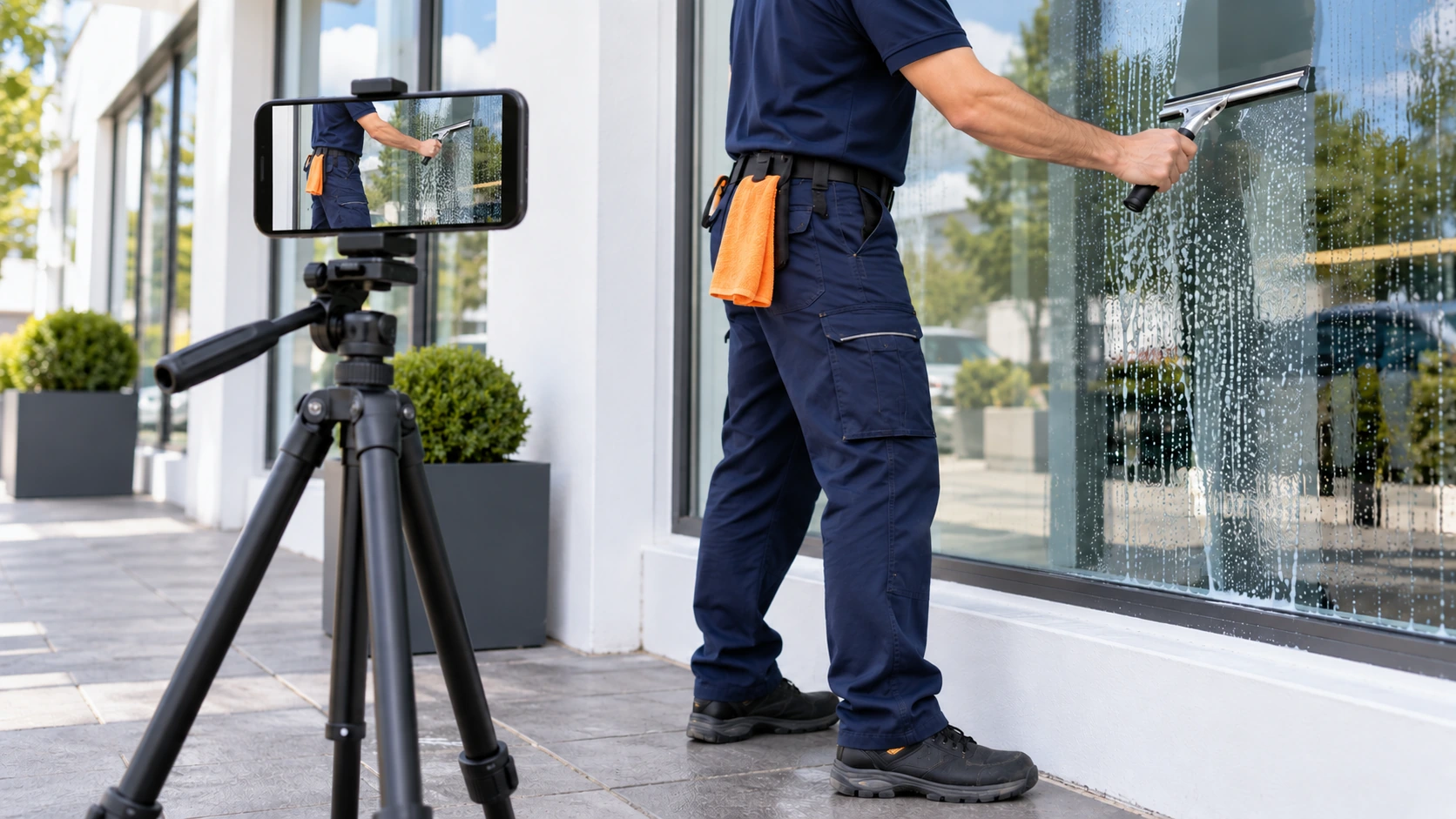
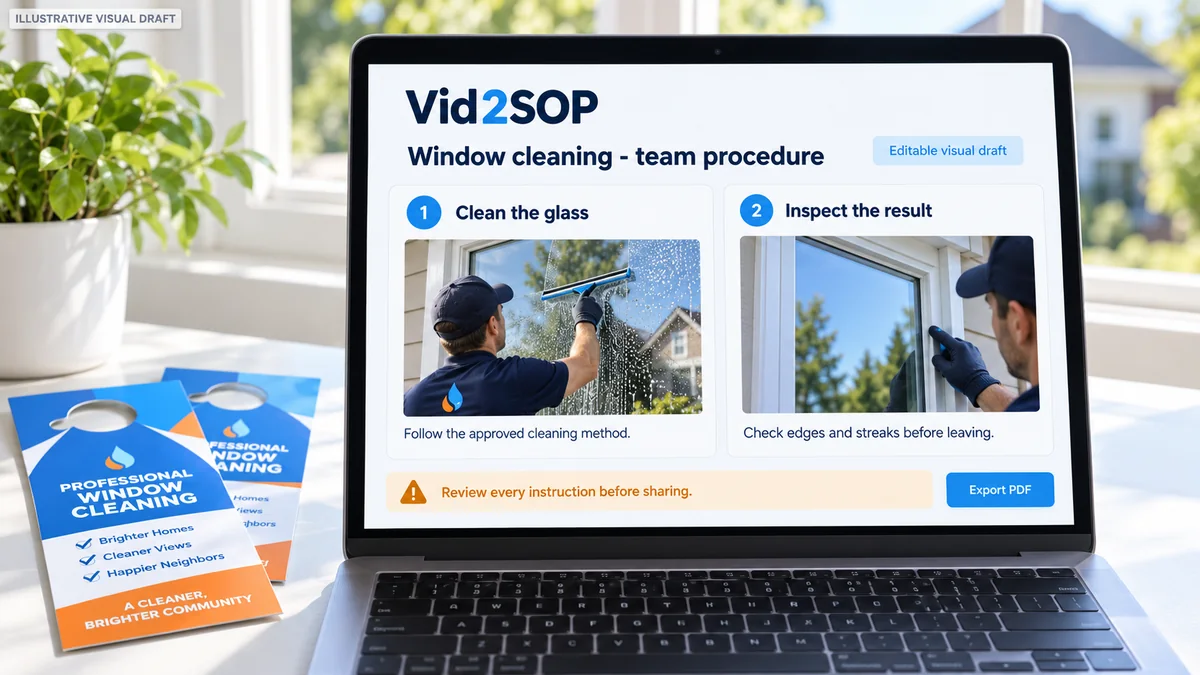
Vid2SOP can help document this routine. Record a demonstration, capture useful images from the video, and add reviewed instructions to an editable visual draft.
The current version does not transcribe speech or automatically write the procedure. You write and review the steps before using or sharing the SOP.
If the hanger promises streak-free windows, each new customer should receive the same reviewed service standard whoever performs the job. Film one well-run job and build the service SOP the same way: capture the useful frames, write the cleaning and final-inspection steps, and review them before team use.
The procedure should explain the specific campaign your business runs, including who approves the print file and who responds to inquiries.
Frequently asked questions
Are window cleaning door hangers worth testing?
They can be worth a small test when the area, service, message, and contact process fit together. Record all campaign costs and completed jobs before deciding whether to increase distribution.
How many door hangers should I print first?
Use 200-300 hangers on streets you already serve as a practical first test, after approving a physical proof. This is a starting point, not a response-rate guarantee. Record the actual deliveries, distribution time, qualified inquiries, completed jobs, and collected revenue; judge the batch using cost per completed job and contribution before increasing it.
Should I advertise a discount?
Only when the promotion supports your pricing and has clear conditions. A straightforward estimate offer or confirmed neighborhood route is an alternative to a discount. Compare contribution after campaign and job costs.
Can I use a Canva flyer as a door hanger?
You can adapt a suitable design, but the finished layout must match the printer's dimensions, cutout, bleed, and safe margins. Changing the page size alone may leave important text too close to the cutout or trim.
Should the QR code open the homepage?
Use a destination that continues the hanger's message and makes the next step clear. A relevant service or estimate page may reduce the number of steps. Keep a readable phone number or short website on the print as well.
Do I need a different design for every street?
Usually, the same core design can serve several comparable routes. Customize area names and campaign identifiers where helpful, and keep a record of each version. Avoid unnecessary design changes that make results harder to compare.
Start with one route and a clear next step
Choose one area you can serve, one accurate service message, and one response method the business monitors.
Check the print, distribute a manageable batch, and record what happens from inquiry to completed and paid work.
Use the results to improve the next campaign. A repeatable local process gives each new batch a clearer purpose.
Put your process into practice
Turn your marketing routine into a reviewed team procedure with Vid2SOP.
Document the print checks, route instructions, campaign records, and follow-up steps so the team can execute the same process consistently.
Create your SOP