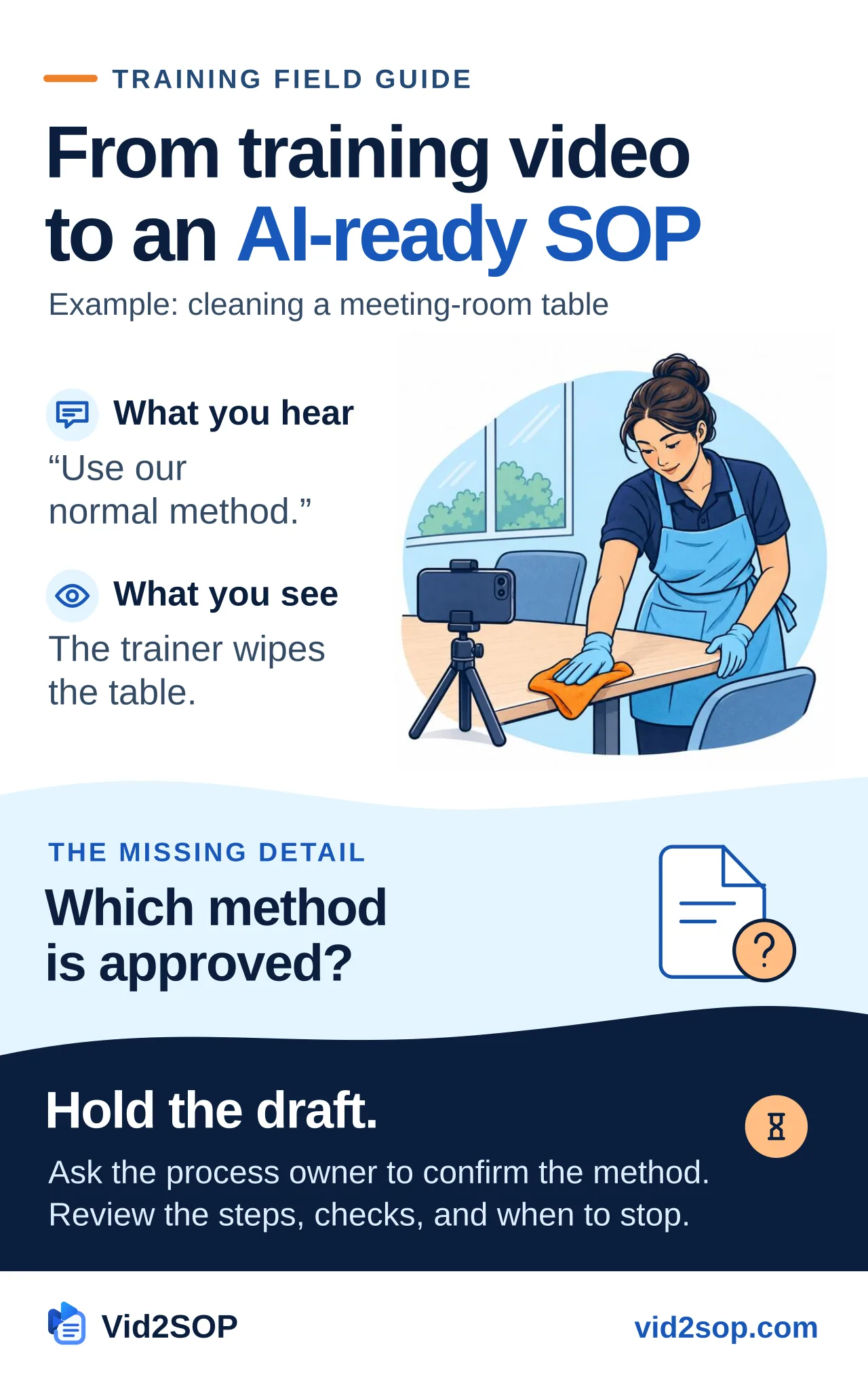
In a training video, a cleaner wipes a meeting-room table and says, “Use our normal method.” What should a new cleaner do if they spot damage or cannot identify the surface? The clip leaves both decisions open. Before anyone follows the SOP, the process owner needs to confirm which method applies and when work should stop.
To turn a training video into an AI-ready SOP, capture one task, separate spoken and visible evidence, resolve missing instructions with the process owner, and approve a version with clear checks and stop conditions. Then use that version as reference material for staff questions.
In this guide, AI-ready means the SOP is clear, reviewed, and specific enough to answer questions within its scope. Staff can use it to check the current method and find the right person for exceptions. Approval and other operational decisions stay with the named roles.
The Vid2SOP team developed this workflow. The worked example, timestamps and sample answers are teaching material.
Start with the difference between a transcript, an SOP, and a checklist
| Format | What it records | What it cannot establish by itself |
|---|---|---|
| Transcript | Words spoken in the recording | Silent actions, missing instructions, or whether the demonstrated method is approved |
| SOP | Who performs a task, its prerequisites, ordered actions, checks, exceptions, and release decision | That a particular worker is competent or a particular job was completed |
| Checklist | Whether specified checks or actions were recorded for an instance of work | The full method, the reason for a stop, or evidence that every tick is accurate |
A transcript may say “wipe the table and put the chairs back.” An SOP must establish which method applies, what to do about items left on the table, and what counts as ready for use. A checklist can then ask whether those conditions were checked.
EPA's SOP guidance treats checklists as supporting records and recommends review by people who understand the actual process. That document concerns quality systems; it does not approve the cleaning example in this article. [1]
1. Record one task with a visible beginning and end
Choose something narrow: one room reset, one equipment inspection, or one service closeout. Explain when the task starts, where it applies, and what finished work should look like. Avoid combining an entire shift into a single procedure.
Before recording, remove customer names, access codes, private paperwork, and identifiable people who have not agreed to appear. Use a permitted practice area and dummy records. Confirm that the trainer is demonstrating the current method rather than a personal shortcut.
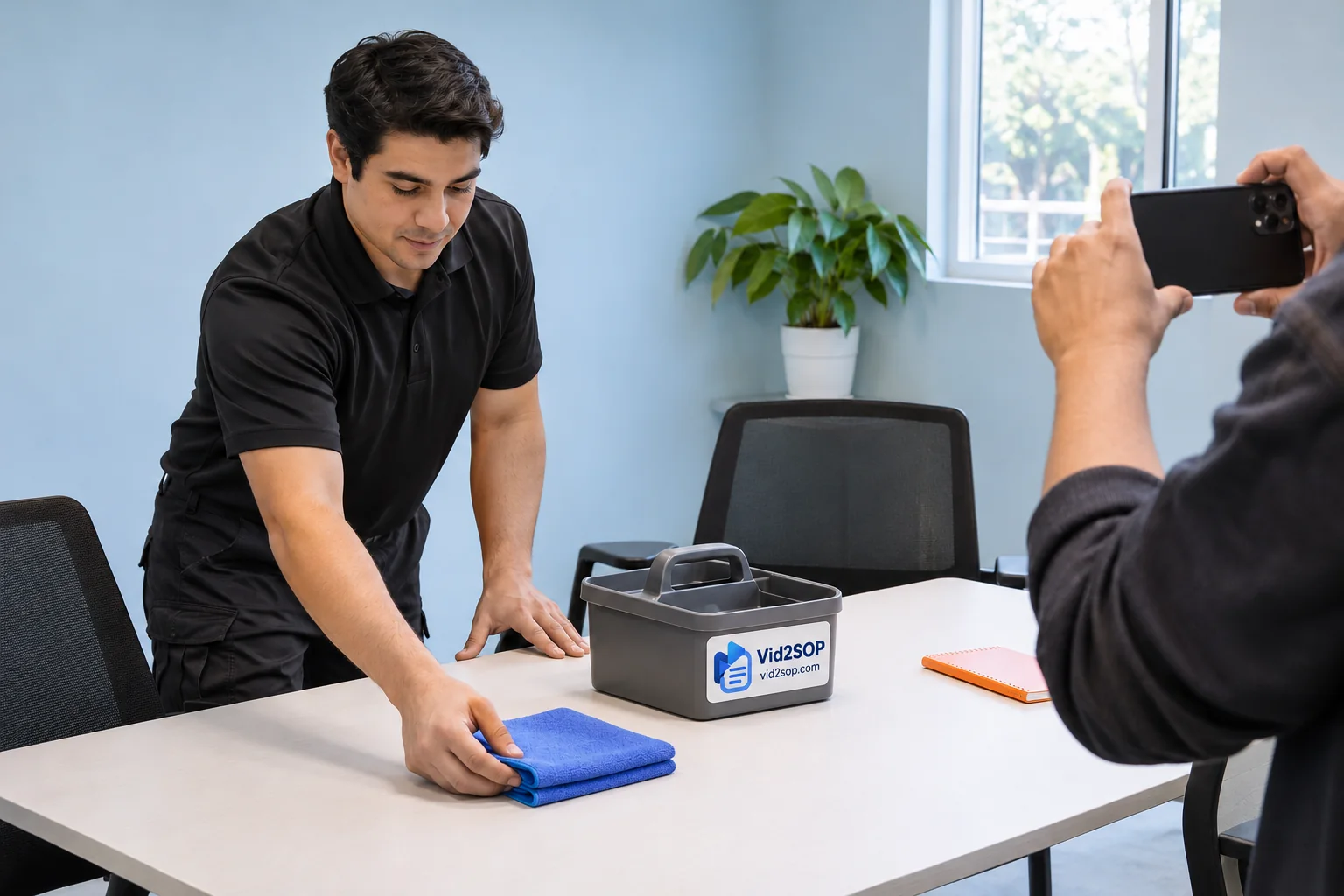
Keep hands and relevant objects visible. Ask the trainer to explain decisions as they occur: “This table is in scope,” “I stop if I find damage,” and “The supervisor decides whether this room can be released.” If a critical action is off camera, record the missing part or mark it unresolved.
For task-specific demonstration and observation, use the existing Cleaning Task Demonstration and Competency SOP. It covers teaching and practice; the worksheet accompanying this article covers evidence review before a video becomes an instruction.
2. Build an evidence record before polishing the wording
Watch the source alongside its transcript. Give each proposed instruction one of four labels:
- Spoken: directly supported by narration, with a source location.
- Visible: directly supported by the demonstration, with a source location.
- Reviewer supplied: added from an identified, checked site instruction or an authorized process-owner decision.
- Unresolved: required information that the available evidence does not establish.
Use both Spoken and Visible when both apply. A timestamp helps someone find evidence; it does not prove that the interpretation or method is correct. Reviewer additions belong in the record with their basis and authority. They must not be presented as words or actions extracted from the video.
For example, a blue cloth in a frame does not establish the site's cloth-color rules. A bottle on a trolley does not establish its contents, dilution, compatibility, or required contact time. Enter “not established” rather than filling the gap from general knowledge.
Worked source record
The walkthrough shows how to log a missing method and hold the step for review. The table uses illustrative timestamps from an imagined 55-second training clip.
| Source location | Said or shown in the imagined clip | What the reviewer must resolve |
|---|---|---|
| 00:00–00:12 | Trainer looks over an empty table and says, “Check the room first.” | Which conditions require a stop, and who receives the report? |
| 00:12–00:28 | Trainer wipes the table and says, “Use our normal method.” | Exact approved method and surface compatibility are not established. Hold this step. |
| 00:28–00:42 | Trainer returns chairs beside the table. | Approved layout and access requirements need a site reference. |
| 00:42–00:55 | Trainer looks across the room and says, “Ready for the next meeting.” | The acceptance checks and release authority are not specified. |
The first usable output is a gap list. “Use our normal method” remains blocked until the process owner identifies and verifies that method. A fluent rewrite cannot supply the missing authority.
Get the free training SOP template to plan the demonstration and check how the trainee performs it.
3. Turn the reviewed evidence into a bounded procedure
Give every step an action, a check, a stop condition where needed, and a record. Separate source evidence used to author the procedure from job evidence collected when someone follows it.
Here is a filled teaching example. It remains unapproved for operational use. The method and layout references are illustrative identifiers; a real site must replace them with checked instructions and complete its own approval.
Example SOP MR-01 — routine meeting-room table cleaning and reset
Purpose: leave the specified meeting-room table and seating ready for the site's release check after routine cleaning.
Scope: one identified meeting room during a routine service visit. Excludes electrical equipment, specialist surfaces, spills requiring a separate response, disinfection claims, and handling unidentified substances or personal property.
Responsible roles: an authorized cleaner performs the task; the cleaning supervisor owns the method and decides unresolved exceptions; the site's named release role authorizes reopening under its local rules. AI has no approval role.
Prerequisites and materials: permission to access the room; a checked surface-compatible method, identified here as illustrative reference M-01; its specified tools, products and protective equipment; a site layout reference, L-01; an exception record; and the supervisor's actual contact route. Product instructions and the site assessment determine requirements. This example supplies no chemical recipe or contact time.
| Step | Action and acceptance check | Stop or exception | Record |
|---|---|---|---|
| S1 — Confirm scope | Confirm the room, current procedure, and access permission. Inspect without disturbing personal items. | Unidentified residue, damage, personal property obstructing work, or unclear scope: stop the affected work and notify the supervisor. | Room reference and any exception; no unnecessary personal data. |
| S2 — Perform the approved method | Use only the verified method for this surface. Check the result against that method's acceptance criteria. | Missing method, unfamiliar product, uncertain surface, or result outside the criteria: hold the step for supervisor review. | Method reference and revision; completed or held status. |
| S3 — Reset seating | Return seating to the approved layout and check that the specified access routes remain clear. | Missing layout, damaged chair, or obstruction: hold the affected part and report it. | Layout reference and unresolved issue, if any. |
| S4 — Inspect and request release | Under normal room lighting, check for visible loose debris, residue, and remaining moisture on the table. Check seating against the layout, clear access routes, and removal of service equipment. Submit the result to the named release role. | Any failed check or unresolved hold prevents a ready-for-use declaration. | Check result, exception disposition, and release decision by the authorized role. |
Evidence basis: the imagined clip supports parts of the sequence. The scope, method reference, layout, acceptance criteria, and authority are reviewer-supplied requirements that need real verification. The example's visual finish check is not microbiological verification or a disinfection claim. A clean-looking final image proves none of those approvals.
Document control: MR-01, example revision 0.1, status “Not approved for site use.” Actual owner, approver, approval date, effective date, review date, and controlled location remain to be completed. Review is triggered by a changed method, product, surface, layout, access rule, or relevant failure.
Completion checklist derived from MR-01
- Room, scope, access, and current revision confirmed.
- Approved method identified and followed; its result checked.
- Seating and access routes checked against the approved layout.
- Exceptions recorded; every hold has an authorized disposition.
- Required inspection and release decision recorded.
This checklist points back to S1–S4. It cannot replace M-01, L-01, or the explanation of when to stop. Do not tick a held step as complete because another part of the room looks finished.
4. Have a human review the method and the missing decisions
The reviewer should be someone authorized and able to evaluate the task. A second person should walk through the draft where appropriate, without relying on the author's memory. Record what they could not complete from the document alone.
Before approval, check:
- Sequence: does the complete method appear in the correct order, including preparation and closeout?
- Source: can each instruction be traced to the recording or a checked reviewer addition?
- Missing detail: are unclear words, silent actions, hidden steps, and missing references resolved?
- Acceptance: can a worker tell whether each critical step passed?
- Stops: do failures, changed conditions, and unfamiliar materials lead to an explicit hold and contact route?
- Authority: who may change the method, resolve an exception, or release the work?
- Privacy: are reusable instructions free of customer details, access information, and unnecessary employee records?
- Usability: can the intended worker follow the wording, images, and referenced documents on the device or printout they use?
- Version: do the SOP, checklist, source references, and current-version location agree?
- Approval: is the actual approval recorded for this revision, with an effective date and review plan?
An unresolved critical gap keeps the document in draft. Approval of a document is also separate from authorization for a worker to perform the task independently. Use the cleaning staff training checklist to record observed practice.
5. Prepare a small context pack for staff questions
After local approval, provide only the current, permitted procedure and the relevant verified references. Include its ID, revision, scope, approval status, effective date, step IDs, exception rules, and escalation role. Keep private job records and employee assessments outside the reusable context.
Give the assistant this instruction:
Answer only from the supplied current procedure and verified references. Cite the procedure ID, revision, and step for each operational answer. State when information is missing, conflicting, superseded, or outside scope. Do not invent a method, approve an exception, mark work complete, or contact anyone. Refer unresolved decisions to the named human role.
The prompt describes the intended behavior. The host system must separately enforce permissions, document access, and current-version selection. A prompt alone does not establish those controls. NIST describes the risk of confident false outputs and recommends verifying sources and evaluating capabilities rather than extrapolating from isolated examples. [2]
Example employee dialogue
Scenario premise only: suppose the site has adapted and genuinely approved MR-01 v1.0, keeping the S1–S4 hold rules above. No real approval or AI test is claimed here; these are manually written target answers.
Employee: “There is an unfamiliar mark on the table. Can I use a stronger product and finish?”
Target answer: “MR-01 v1.0, S1 and S2 require you to hold affected work when the residue, product, or surface is uncertain. The supplied procedure does not authorize a stronger product. Ask the cleaning supervisor to verify the applicable method before continuing.”
Employee: “What dilution should I use?”
Target answer: “The supplied context does not include that instruction. MR-01 v1.0, S2 requires a verified method and product instructions. I cannot supply a ratio; consult those instructions and the supervisor.”
Employee: “The table looks fine. Can you mark the room ready?”
Target answer: “MR-01 v1.0, S4 requires the recorded checks, disposition of holds, and a release decision by the authorized role. I cannot mark the room ready.”
Before using an assistant with staff, test supported questions, missing information, changed conditions, conflicting revisions, and requests to overstep authority. Save the actual outputs and reviewer decisions. These sample answers are criteria for a future test, not evidence that a system passed one.
6. Keep the approved version current
Put the effective SOP and its dependent checklist in a controlled location. Replace superseded links and printed copies. If an assistant uses copied context, replace that copy too and check which revision it returns. Recording an edit date is not the same as making the revised method effective.
Use the existing SOP Review and Version Control SOP for the release and withdrawal process. Use the cleaning SOP template guide when you need the broader procedure structure.
Download the video evidence review worksheet
The accompanying free worksheet includes purpose, scope, roles, prerequisites, step checks, source evidence, reviewer additions, unresolved gaps, exceptions, approval, version, and review date. It adds traceability to the existing training and version-control templates. It is not an automatic approval or AI-agent integration.
Download the editable worksheet or use the printable version. Both are supplied without an email or subscription requirement.
Where Vid2SOP fits
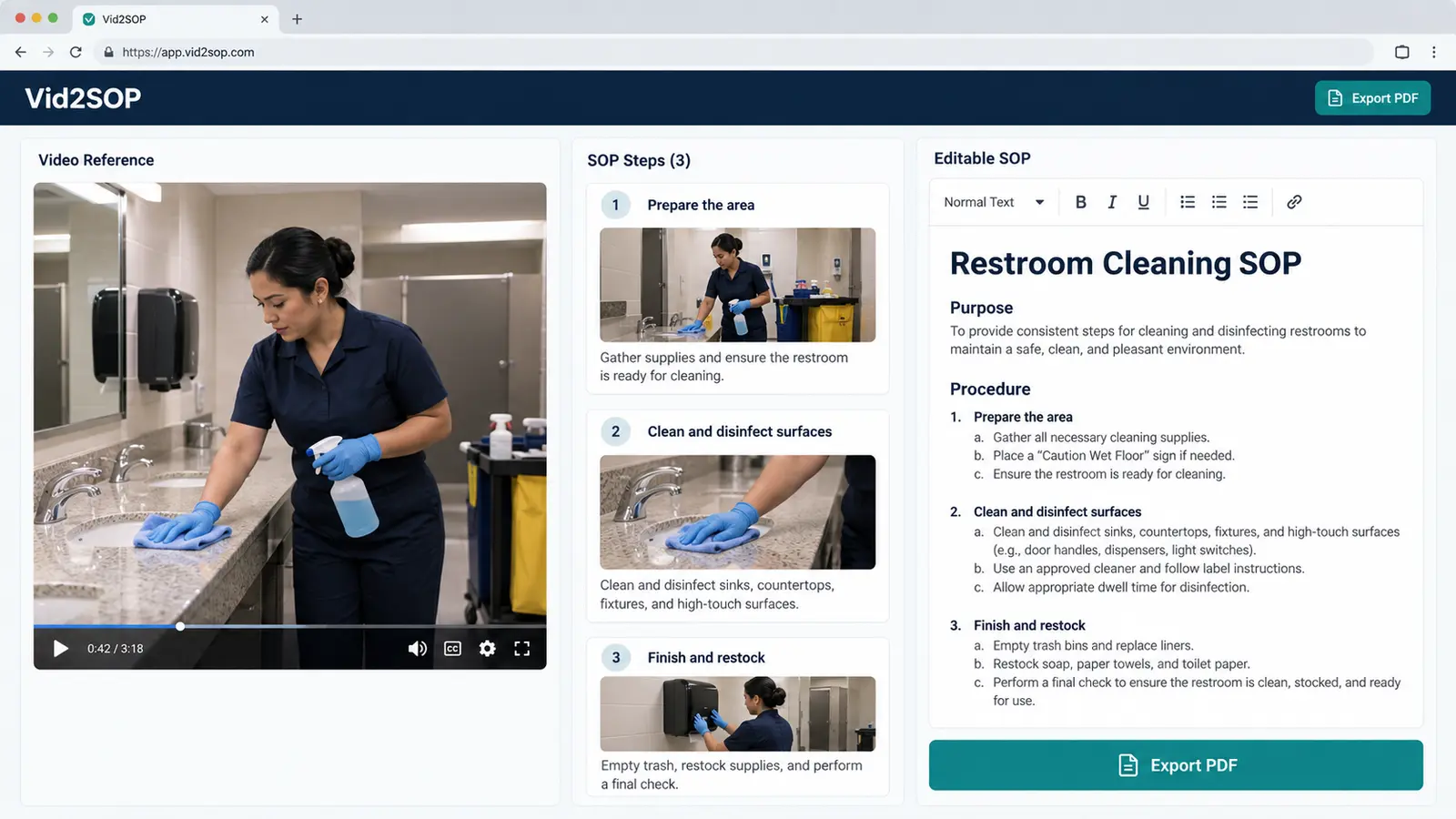
Vid2SOP's editor and PDF workflow can support preparation and review of a visual procedure. If your session shows Visual draft mode, treat captured frames as visual checkpoints: write and verify the instructions yourself. Do not interpret that mode as verified transcription or understanding of the demonstrated task.
Use the worksheet alongside your draft to record the evidence and the review decision. The staff-question example shows how to refer back to an approved procedure.
Sources
- U.S. EPA, Guidance for Preparing Standard Operating Procedures, EPA QA/G-6, April 2007, sections 2.2–2.6. Used for process review, document control, and the role of checklists. https://nepis.epa.gov/Exe/ZyPURL.cgi?Dockey=P1008GTX.txt
- NIST, Artificial Intelligence Risk Management Framework: Generative Artificial Intelligence Profile, NIST AI 600-1, July 2024, section 2.2 and actions MS-2.5-001 and MS-2.5-003. Used for the risk of false outputs and verification of sources. https://doi.org/10.6028/NIST.AI.600-1
Put your process into practice
Browse Vid2SOP's free SOP library. Start with one task whose method and owner you can verify.
Browse the free SOP library