SEE WHAT YOU WILL DOWNLOAD
A look inside the file.
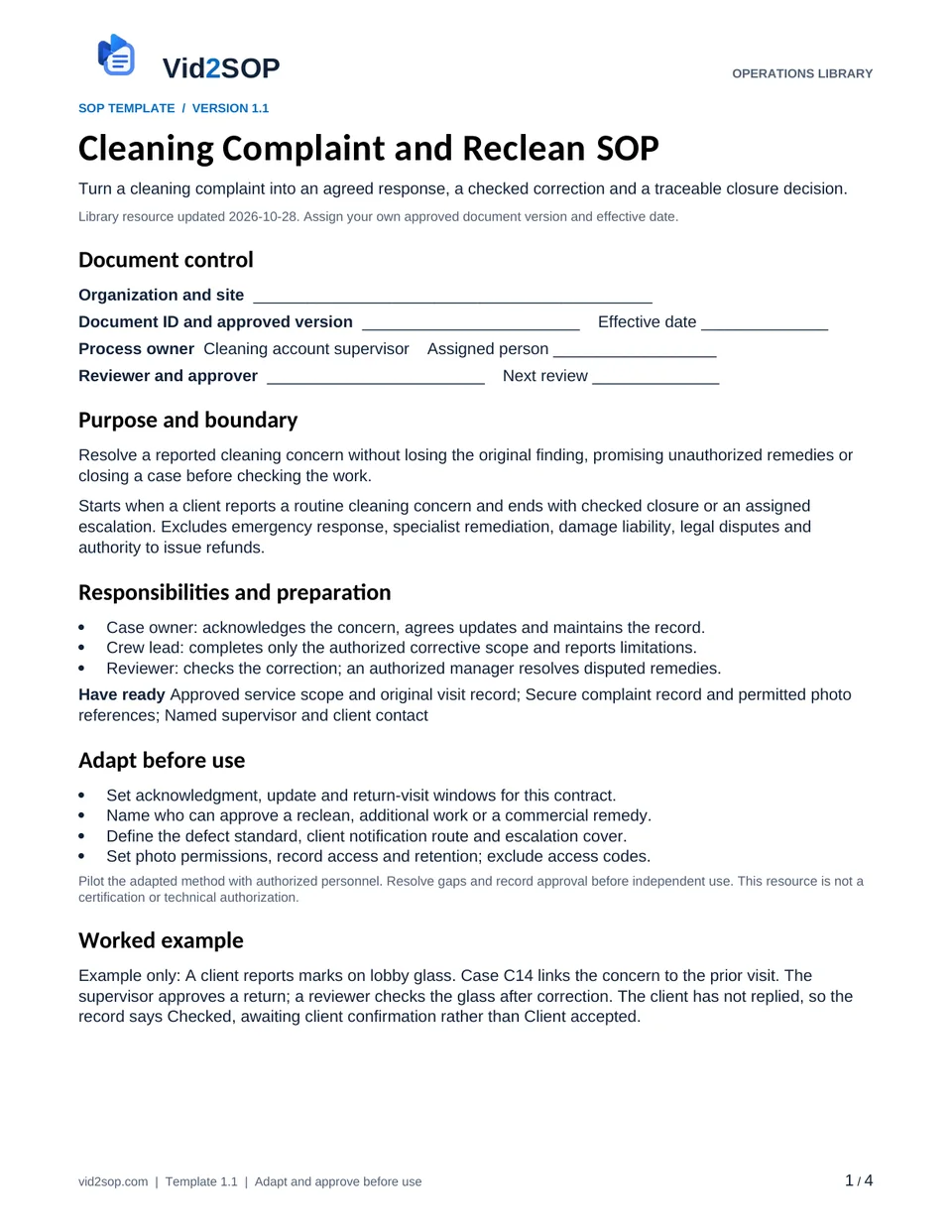
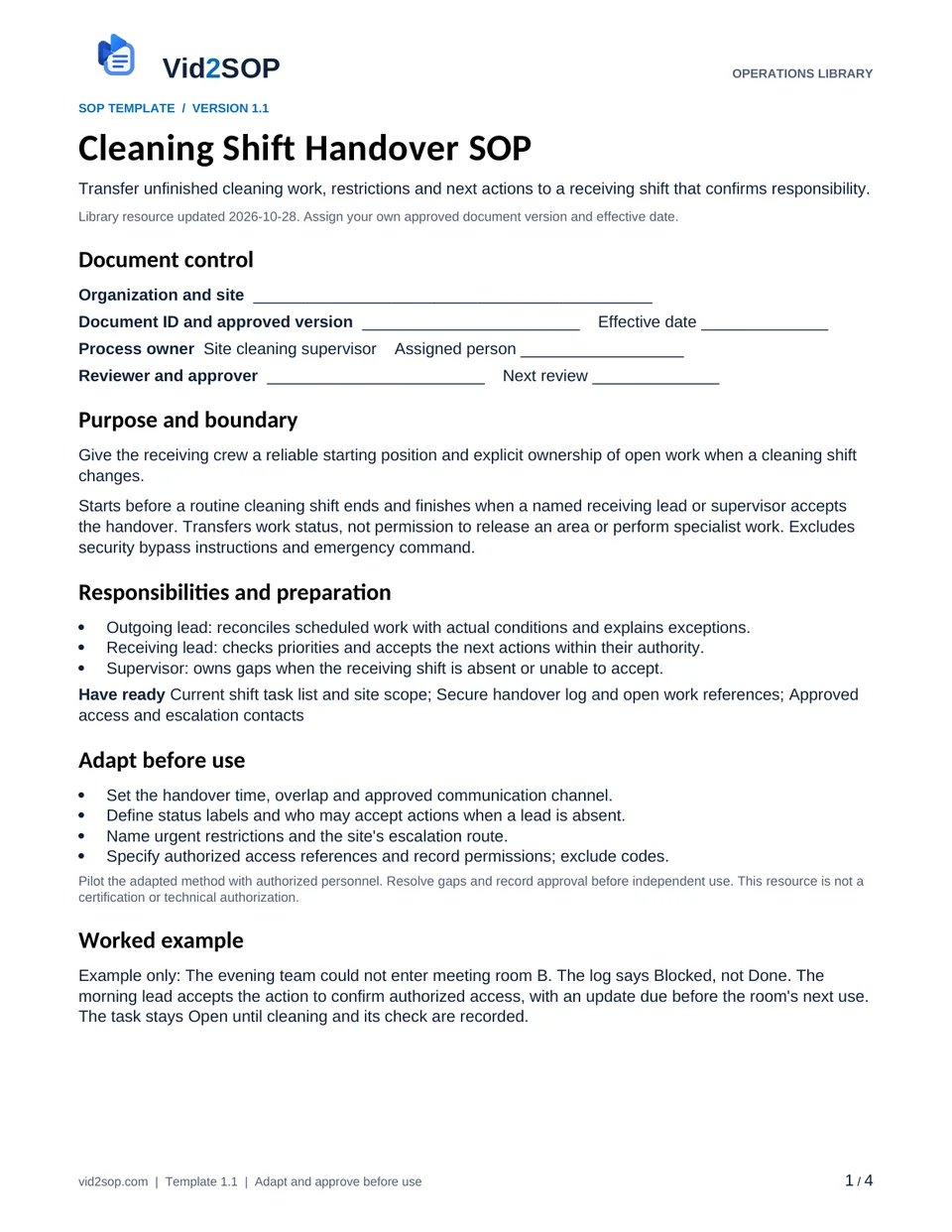
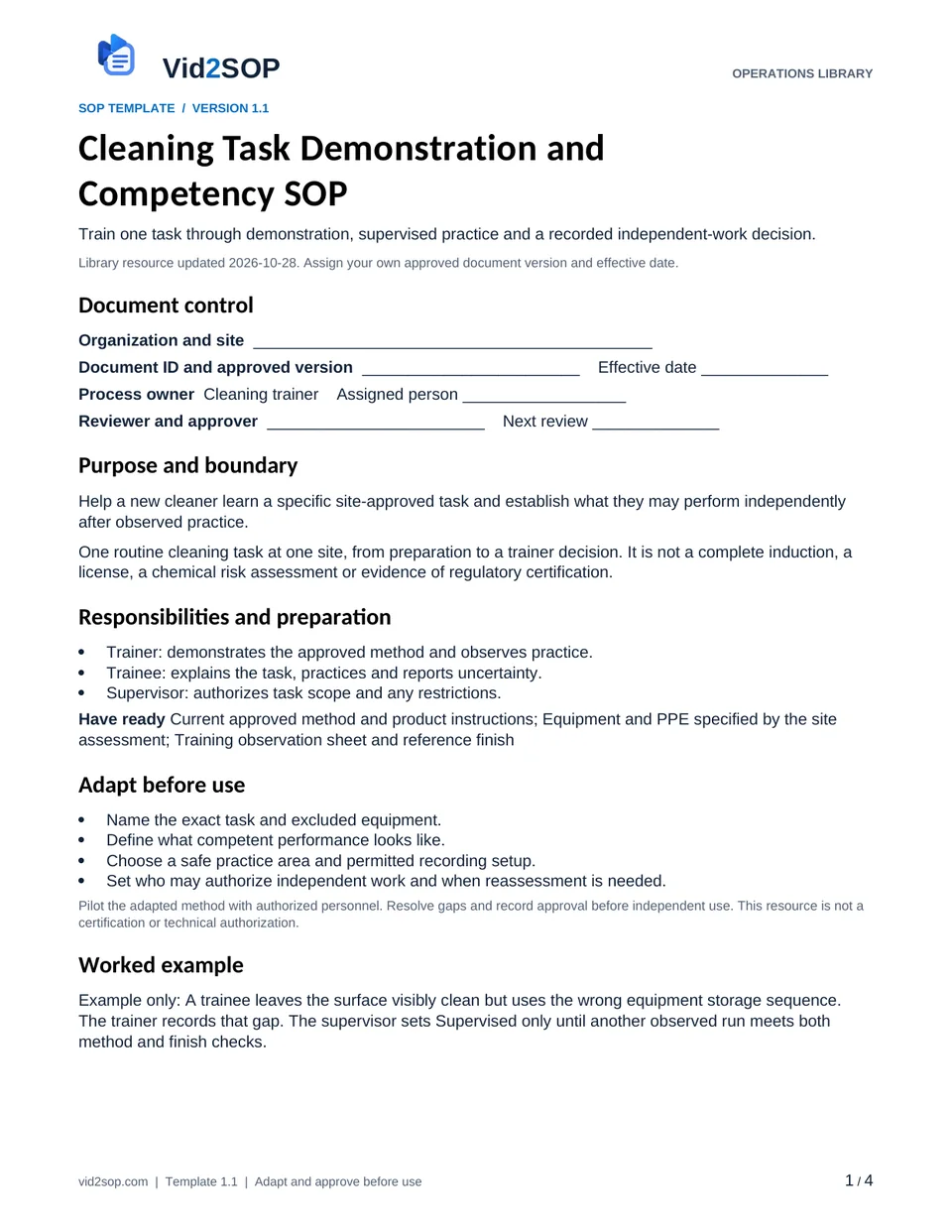
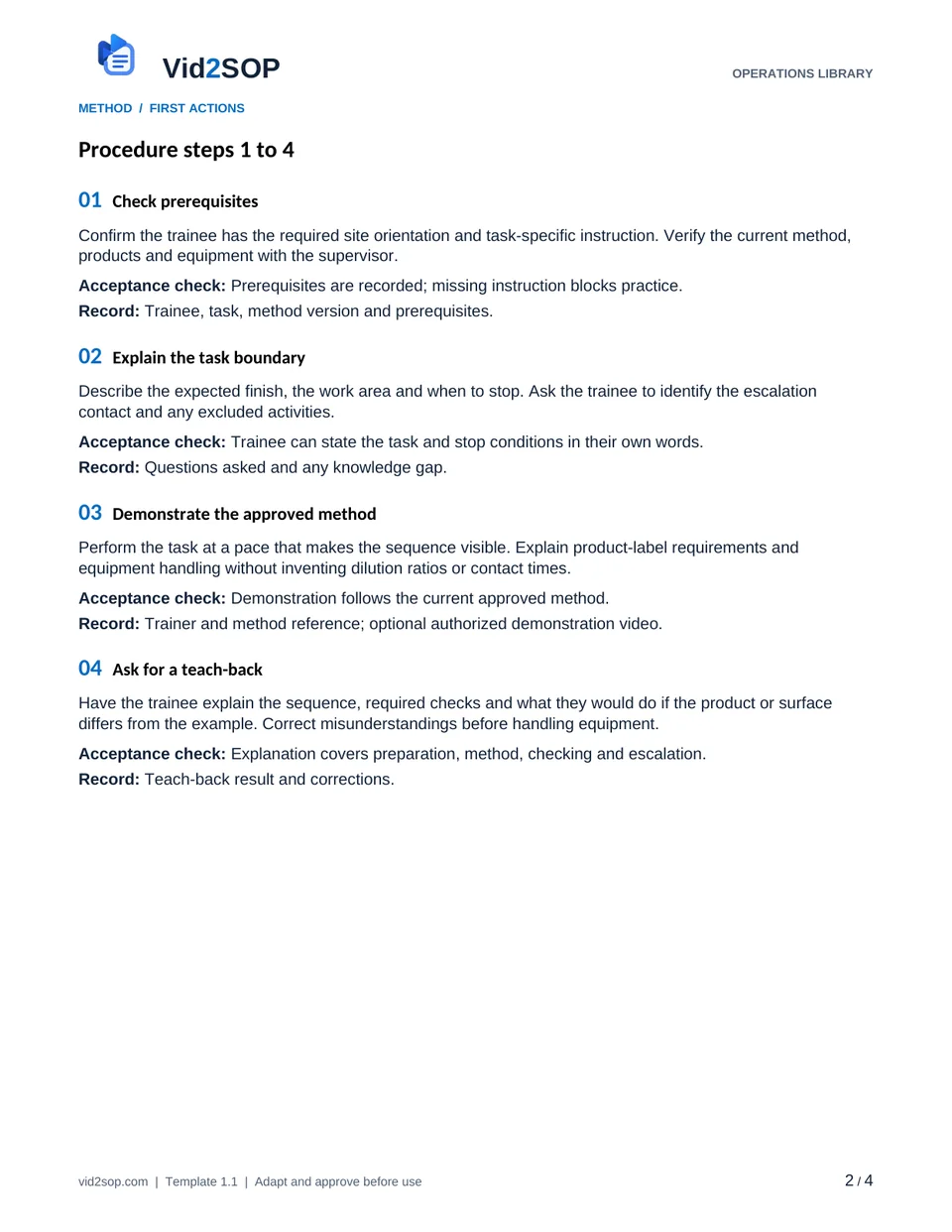
These previews show the actual template pages: document control and scope, followed by the detailed procedure. Download the Word file to adapt the content, or the PDF for a printable reference.
4 pages · Version 1.1 · Organization approval required
Select a page to open a larger preview.
Ready to adapt it for your team?
Editable Word or printable PDF. No email required.
Purpose and scope
Help a new cleaner learn a specific site-approved task and establish what they may perform independently after observed practice.
One routine cleaning task at one site, from preparation to a trainer decision. It is not a complete induction, a license, a chemical risk assessment or evidence of regulatory certification.
Cleaning trainer. Assign the actual owner, reviewer, approver and effective date before use. The library update date is not your approval date.
Who does what
- Trainer: demonstrates the approved method and observes practice.
- Trainee: explains the task, practices and reports uncertainty.
- Supervisor: authorizes task scope and any restrictions.
Tools and records
- Current approved method and product instructions
- Equipment and PPE specified by the site assessment
- Training observation sheet and reference finish
Customize before the first use
- Name the exact task and excluded equipment.
- Define what competent performance looks like.
- Choose a safe practice area and permitted recording setup.
- Set who may authorize independent work and when reassessment is needed.
Use the Word file to edit the method, roles and fields. PDF is a printable reference, not an interactive form. Pilot the procedure with an authorized team member and resolve gaps before approving it.
The procedure
- 01
Check prerequisites
Confirm the trainee has the required site orientation and task-specific instruction. Verify the current method, products and equipment with the supervisor.
Acceptance check Prerequisites are recorded; missing instruction blocks practice.
Record Trainee, task, method version and prerequisites.
- 02
Explain the task boundary
Describe the expected finish, the work area and when to stop. Ask the trainee to identify the escalation contact and any excluded activities.
Acceptance check Trainee can state the task and stop conditions in their own words.
Record Questions asked and any knowledge gap.
- 03
Demonstrate the approved method
Perform the task at a pace that makes the sequence visible. Explain product-label requirements and equipment handling without inventing dilution ratios or contact times.
Acceptance check Demonstration follows the current approved method.
Record Trainer and method reference; optional authorized demonstration video.
- 04
Ask for a teach-back
Have the trainee explain the sequence, required checks and what they would do if the product or surface differs from the example. Correct misunderstandings before handling equipment.
Acceptance check Explanation covers preparation, method, checking and escalation.
Record Teach-back result and corrections.
- 05
Observe supervised practice
Let the trainee perform the task in the approved practice area. Intervene immediately when an unsafe action is attempted; record coaching separately from unaided performance.
Acceptance check Observation distinguishes prompted actions from independent actions.
Record Observed actions, prompts and any stop.
- 06
Compare the result
Check the finish against the stated standard and inspect equipment reset and storage as part of completion. If practice fails, identify the specific gap and repeat supervised training under the supervisor’s plan.
Acceptance check Result and method both meet the agreed standard.
Record Result, gaps and retraining plan if needed.
- 07
Record authorization and review triggers
Supervisor records Authorized, Supervised only or Not yet authorized for the named task. Reassess after a method, product or equipment change, or a relevant performance problem.
Acceptance check Authorization is task-specific and restrictions are visible.
Record Supervisor, decision, date and reassessment trigger.
When the standard route does not fit
Trainee encounters an unfamiliar product
Stop and ask the supervisor to verify instructions before practice resumes.
The result looks correct but the method was unsafe
Do not authorize independent work; record the method failure and arrange further instruction.
A recorded demonstration becomes outdated
Withdraw it from training use and replace or clearly supersede it before the next session.
Release checks
- Training attendance is separate from observed competence.
- The decision names the task, site and restrictions.
- No claim of certification is added to the record.
Record the outcome, unresolved actions, responsible owner and review date. Keep records in your approved system and apply your organization’s retention rules.
COMPANION WORKING RECORD
Use the Training log.
Record the observed task attempt, evidence, restrictions and the authorized person's independent-work decision.
Download Excel recordsExcel workbook · 3 tabs · Open the Training tab · No email required
Adapt the fields to your approved process. Decisions are recorded by your authorized person. This file does not automatically approve work or sync with Vid2SOP. Keep sensitive details in your controlled system.
ILLUSTRATIVE SCENARIO
What a useful record looks like
Example only: A trainee leaves the surface visibly clean but uses the wrong equipment storage sequence. The trainer records that gap. The supervisor sets Supervised only until another observed run meets both method and finish checks.
Record your actual method
- Capture the approved demonstration with the trainer’s permission.
- Narrate decision points and stop conditions rather than filming only the final result.
- Keep employee assessment details in the private training record, outside the reusable video.
Obtain permission before recording. Remove customer information, access codes and personal details. Follow the current upload limits and access conditions shown in Vid2SOP. Review any resulting draft against what the video actually demonstrates.
Prepare a recording brief
Use the recording prompts above to plan your demonstration. With JavaScript enabled, you can also prepare a brief here.
Questions before you download
Can I edit this template?
Yes. The DOCX file can be edited in Word or imported into a compatible document editor. Check layout after editing. There is no direct template import into Vid2SOP in this release.
Is it approved for my country or industry?
No. It is a general operational drafting resource for adaptation. A responsible person must check local requirements, site conditions and the organization’s approved methods. No OSHA, COSHH, ISO or other certification is claimed.
Can my team use it commercially?
You may adapt and use it for your own organization’s internal operations, including paid service delivery. Do not resell or redistribute the unmodified library files as a competing template product.
Background references
These references provide context; they do not endorse or approve this template.
Put the procedure to work.
Download, adapt, pilot and approve the version your team will use.