SEE WHAT YOU WILL DOWNLOAD
A look inside the file.
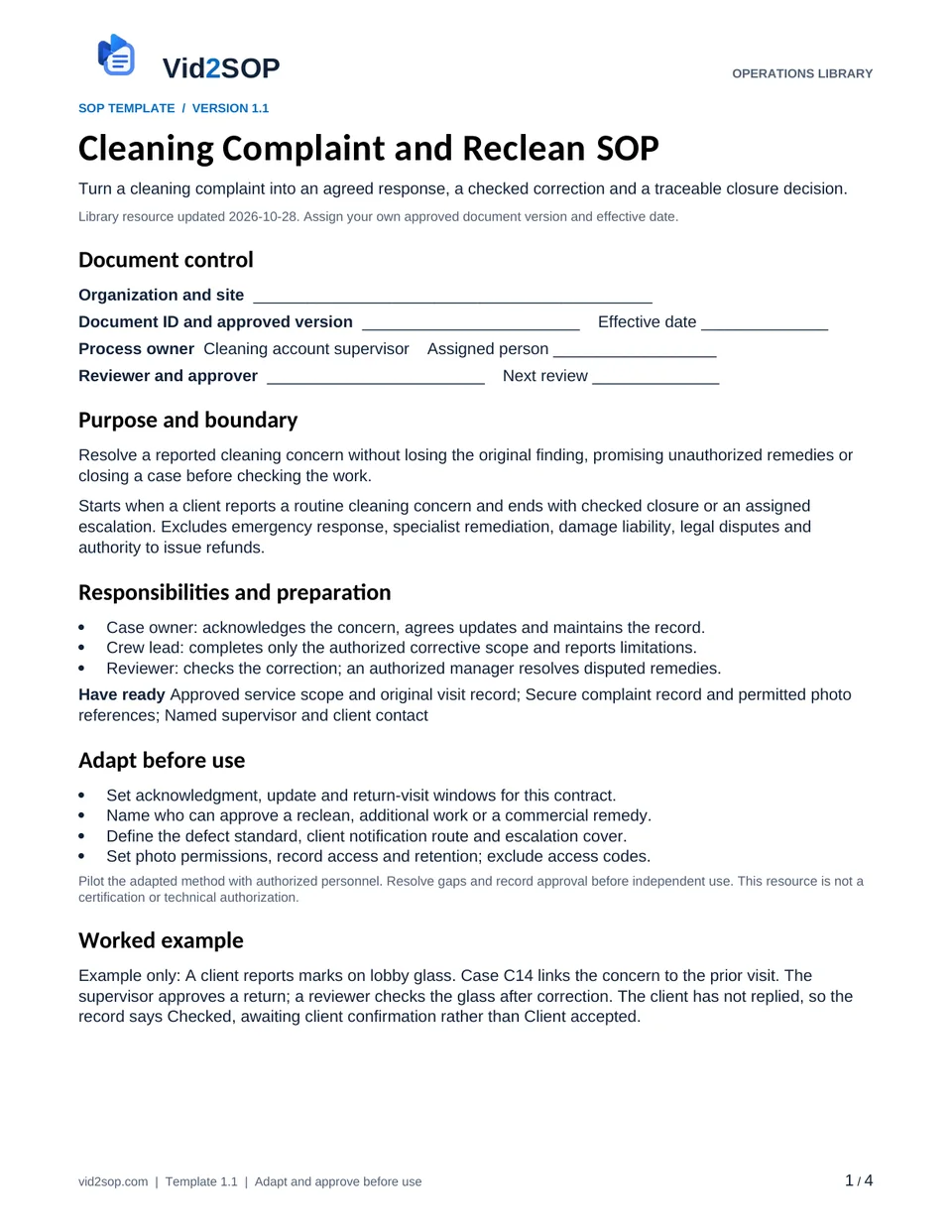
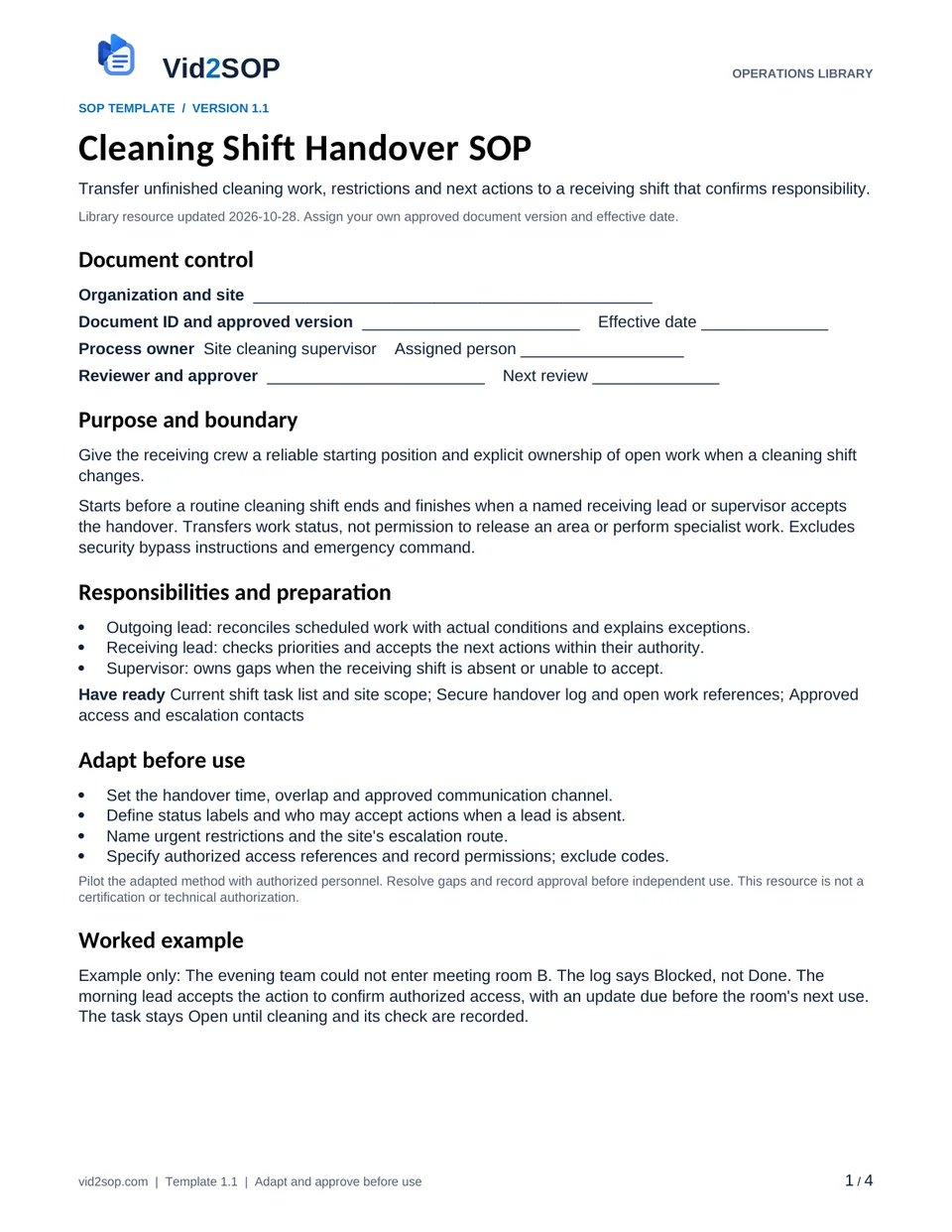
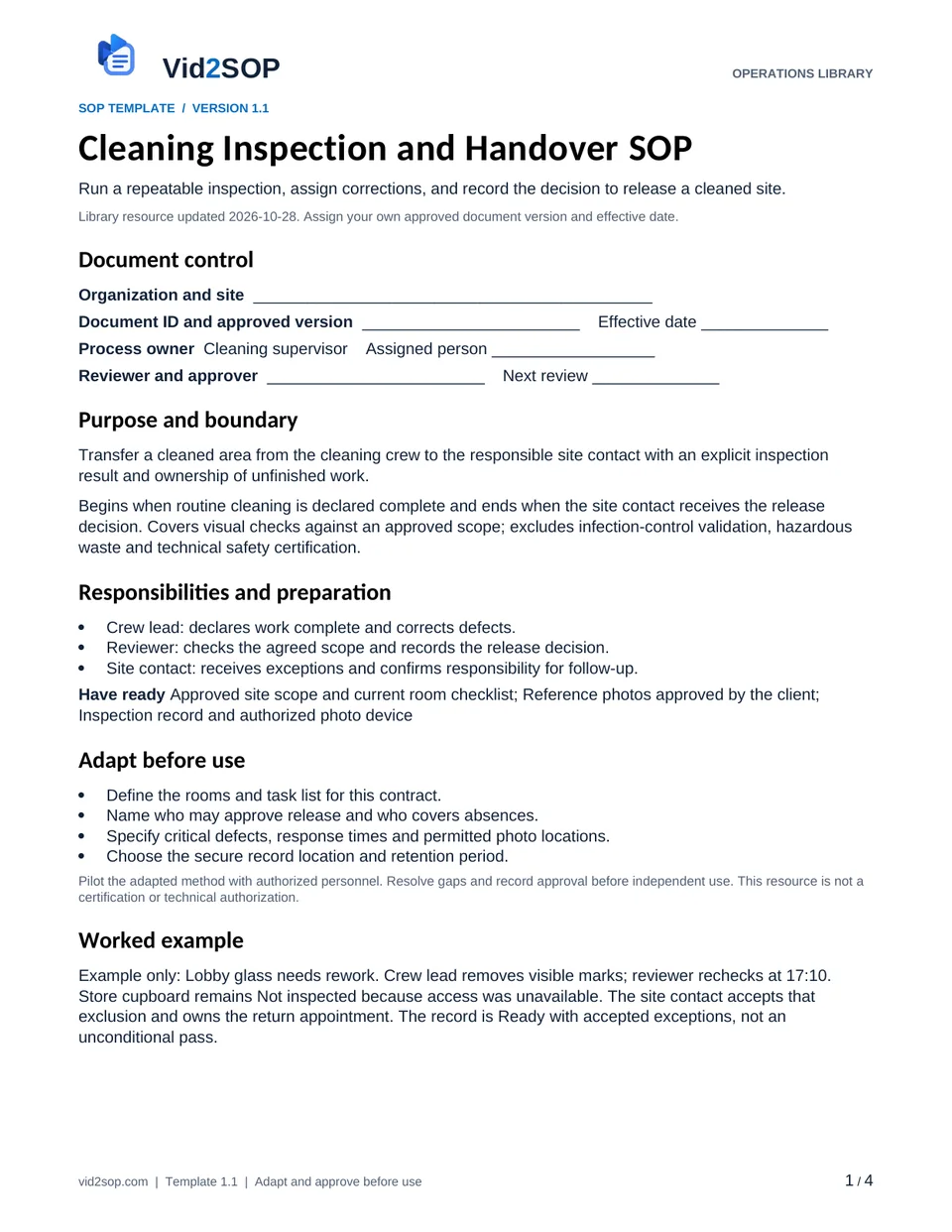
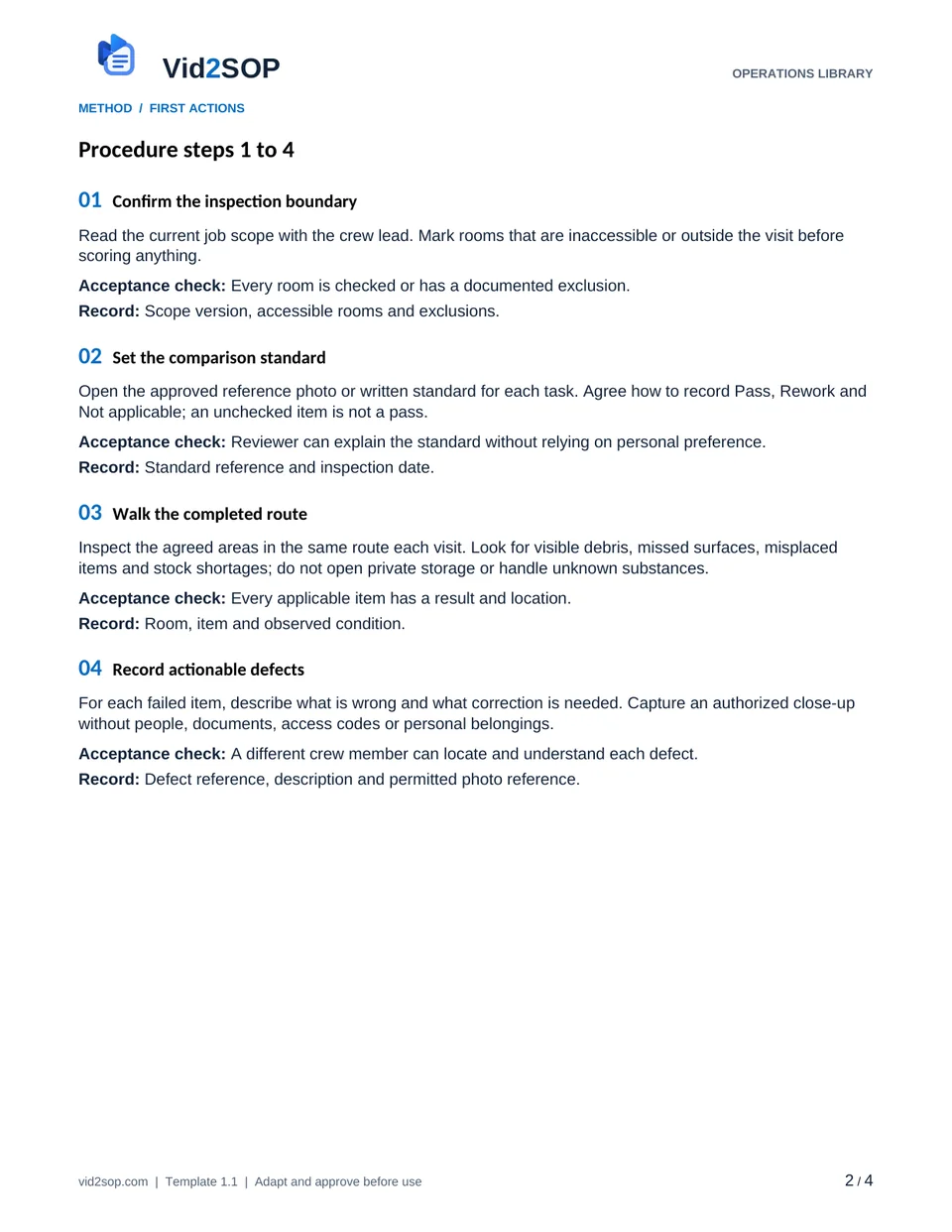
These previews show the actual template pages: document control and scope, followed by the detailed procedure. Download the Word file to adapt the content, or the PDF for a printable reference.
4 pages · Version 1.1 · Organization approval required
Select a page to open a larger preview.
Ready to adapt it for your team?
Editable Word or printable PDF. No email required.
Purpose and scope
Transfer a cleaned area from the cleaning crew to the responsible site contact with an explicit inspection result and ownership of unfinished work.
Begins when routine cleaning is declared complete and ends when the site contact receives the release decision. Covers visual checks against an approved scope; excludes infection-control validation, hazardous waste and technical safety certification.
Cleaning supervisor. Assign the actual owner, reviewer, approver and effective date before use. The library update date is not your approval date.
Who does what
- Crew lead: declares work complete and corrects defects.
- Reviewer: checks the agreed scope and records the release decision.
- Site contact: receives exceptions and confirms responsibility for follow-up.
Tools and records
- Approved site scope and current room checklist
- Reference photos approved by the client
- Inspection record and authorized photo device
Customize before the first use
- Define the rooms and task list for this contract.
- Name who may approve release and who covers absences.
- Specify critical defects, response times and permitted photo locations.
- Choose the secure record location and retention period.
Use the Word file to edit the method, roles and fields. PDF is a printable reference, not an interactive form. Pilot the procedure with an authorized team member and resolve gaps before approving it.
The procedure
- 01
Confirm the inspection boundary
Read the current job scope with the crew lead. Mark rooms that are inaccessible or outside the visit before scoring anything.
Acceptance check Every room is checked or has a documented exclusion.
Record Scope version, accessible rooms and exclusions.
- 02
Set the comparison standard
Open the approved reference photo or written standard for each task. Agree how to record Pass, Rework and Not applicable; an unchecked item is not a pass.
Acceptance check Reviewer can explain the standard without relying on personal preference.
Record Standard reference and inspection date.
- 03
Walk the completed route
Inspect the agreed areas in the same route each visit. Look for visible debris, missed surfaces, misplaced items and stock shortages; do not open private storage or handle unknown substances.
Acceptance check Every applicable item has a result and location.
Record Room, item and observed condition.
- 04
Record actionable defects
For each failed item, describe what is wrong and what correction is needed. Capture an authorized close-up without people, documents, access codes or personal belongings.
Acceptance check A different crew member can locate and understand each defect.
Record Defect reference, description and permitted photo reference.
- 05
Assign and recheck corrections
Give each correction an owner and target time. Reinspect the failed item after the crew reports completion; keep the initial failure in the record.
Acceptance check Every failed item is rechecked or remains explicitly open.
Record Initial result, correction owner, recheck result and time.
- 06
Make the release decision
Record Ready, Ready with accepted exceptions, or Not ready. Only the designated reviewer may accept an exception; do not release while a critical defect remains unresolved.
Acceptance check Decision matches the recorded findings and approval limits.
Record Decision, approver, open items and next owner.
- 07
Deliver the handover
Send the decision through the approved channel. Ask the site contact to acknowledge any transferred action; if unavailable, use the named escalation contact.
Acceptance check The receiving person is identified and open actions remain assigned.
Record Recipient, sent time, acknowledgment or escalation.
When the standard route does not fit
An area cannot be accessed
Mark it Not inspected, notify the site contact and arrange a return or explicit exclusion; never count it as passed.
A suspected hazardous spill or damage is found
Stop work in the affected area, follow the site escalation plan and keep the release on hold for that area.
Client disputes a result
Compare the agreed scope and reference standard, record the disputed item and refer it to the authorized supervisor.
Release checks
- No blank applicable results.
- No critical open defect hidden by an overall percentage.
- Every accepted exception has an approver and follow-up owner.
Record the outcome, unresolved actions, responsible owner and review date. Keep records in your approved system and apply your organization’s retention rules.
COMPANION WORKING RECORD
Use the Corrections log.
Record each inspection finding, its owner, correction evidence and recheck before making the release decision.
Download Excel recordsExcel workbook · 3 tabs · Open the Corrections tab · No email required
Adapt the fields to your approved process. Decisions are recorded by your authorized person. This file does not automatically approve work or sync with Vid2SOP. Keep sensitive details in your controlled system.
ILLUSTRATIVE SCENARIO
What a useful record looks like
Example only: Lobby glass needs rework. Crew lead removes visible marks; reviewer rechecks at 17:10. Store cupboard remains Not inspected because access was unavailable. The site contact accepts that exclusion and owns the return appointment. The record is Ready with accepted exceptions, not an unconditional pass.
Record your actual method
- Film the inspection route in an empty demonstration room.
- Show one acceptable surface and one staged defect, then the correction and recheck.
- Narrate who can release the job; use a dummy handover record with no client details.
Obtain permission before recording. Remove customer information, access codes and personal details. Follow the current upload limits and access conditions shown in Vid2SOP. Review any resulting draft against what the video actually demonstrates.
Prepare a recording brief
Use the recording prompts above to plan your demonstration. With JavaScript enabled, you can also prepare a brief here.
Questions before you download
Can I edit this template?
Yes. The DOCX file can be edited in Word or imported into a compatible document editor. Check layout after editing. There is no direct template import into Vid2SOP in this release.
Is it approved for my country or industry?
No. It is a general operational drafting resource for adaptation. A responsible person must check local requirements, site conditions and the organization’s approved methods. No OSHA, COSHH, ISO or other certification is claimed.
Can my team use it commercially?
You may adapt and use it for your own organization’s internal operations, including paid service delivery. Do not resell or redistribute the unmodified library files as a competing template product.
Background references
These references provide context; they do not endorse or approve this template.
Put the procedure to work.
Download, adapt, pilot and approve the version your team will use.