SEE WHAT YOU WILL DOWNLOAD
A look inside the file.
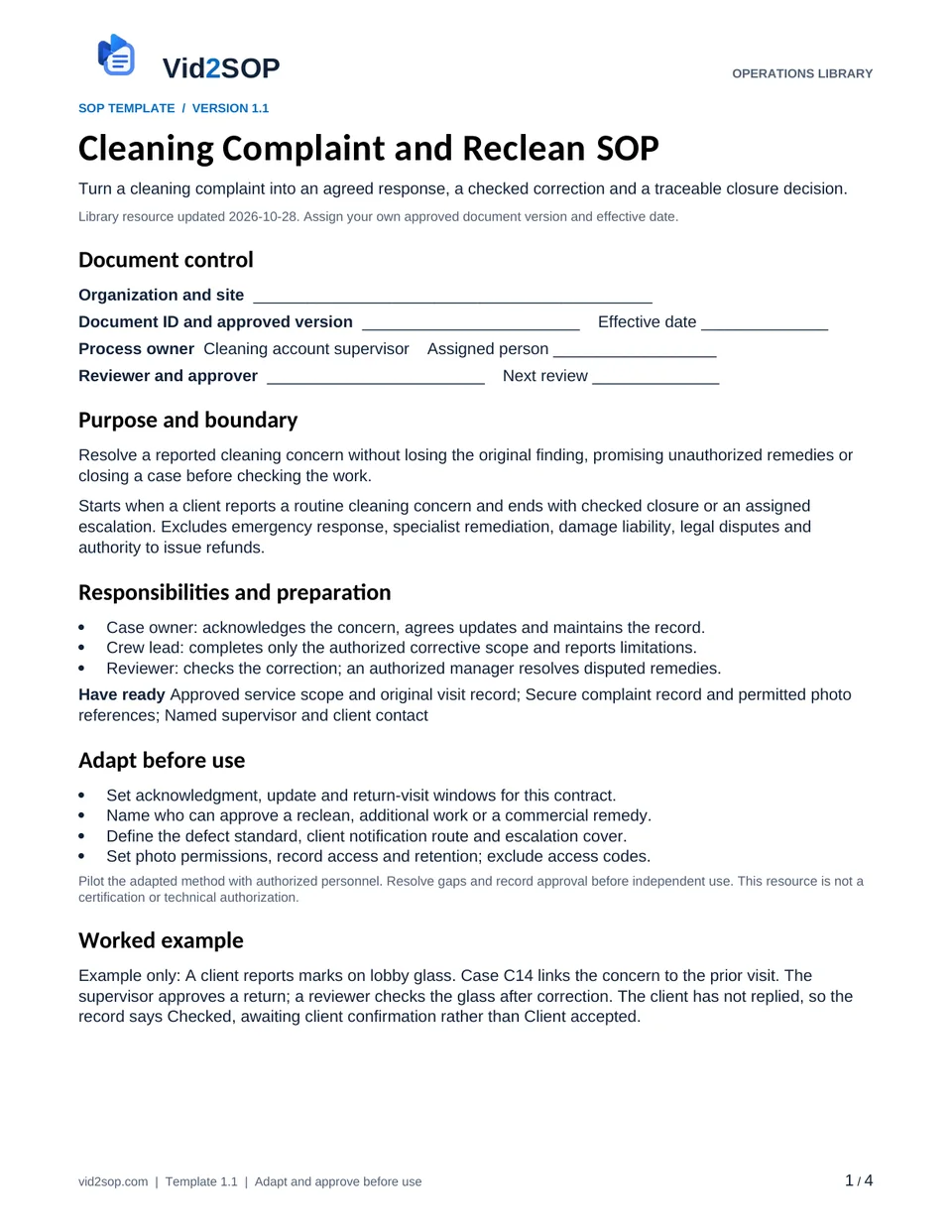
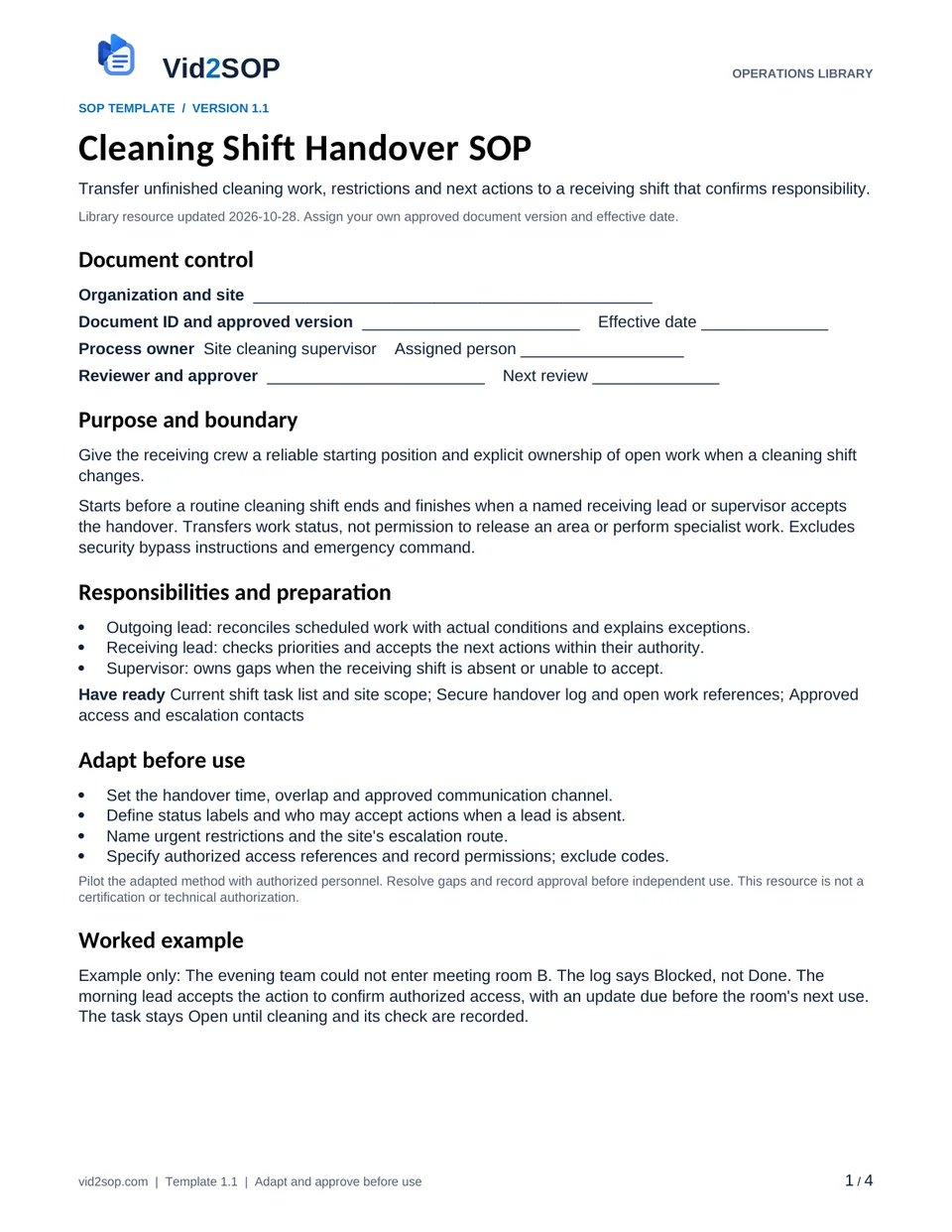
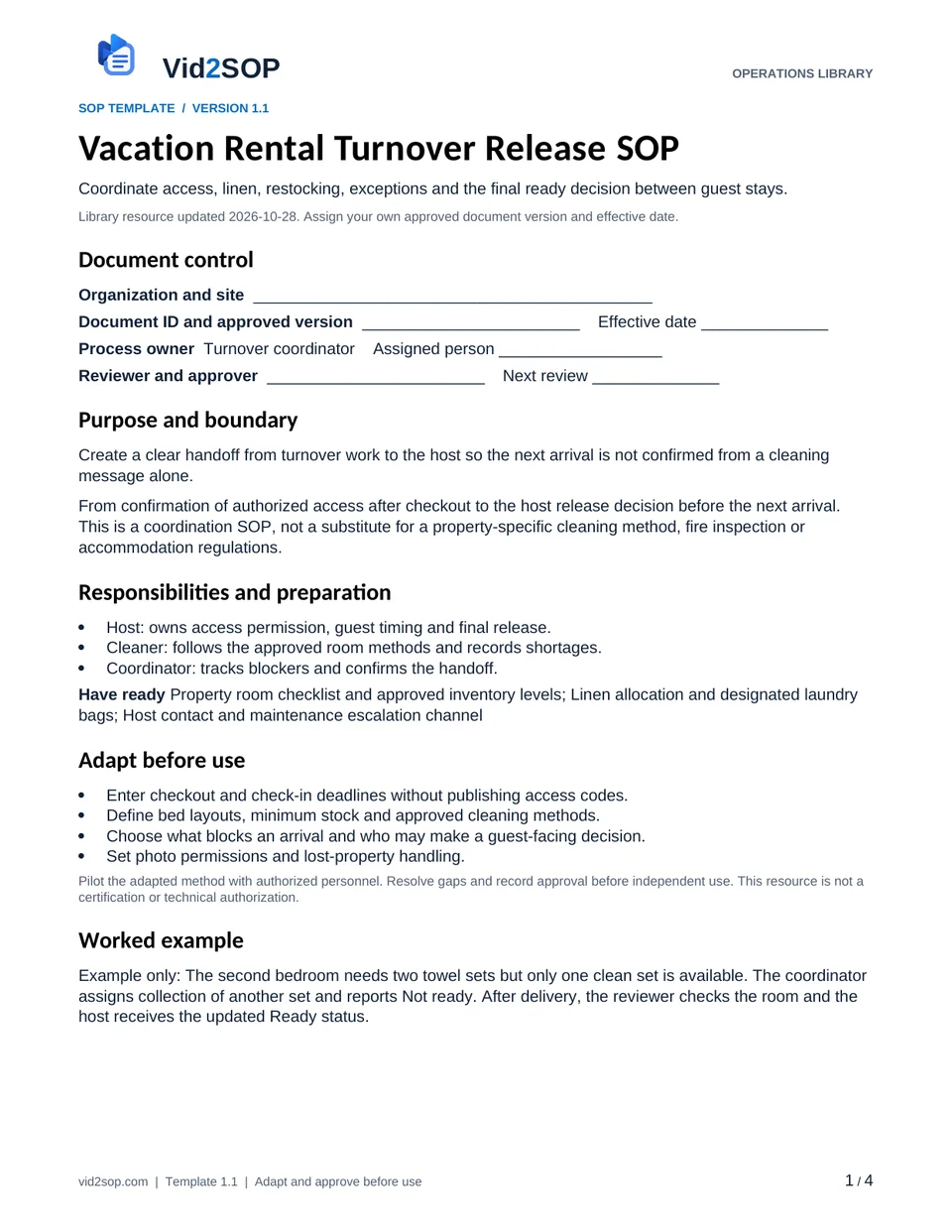
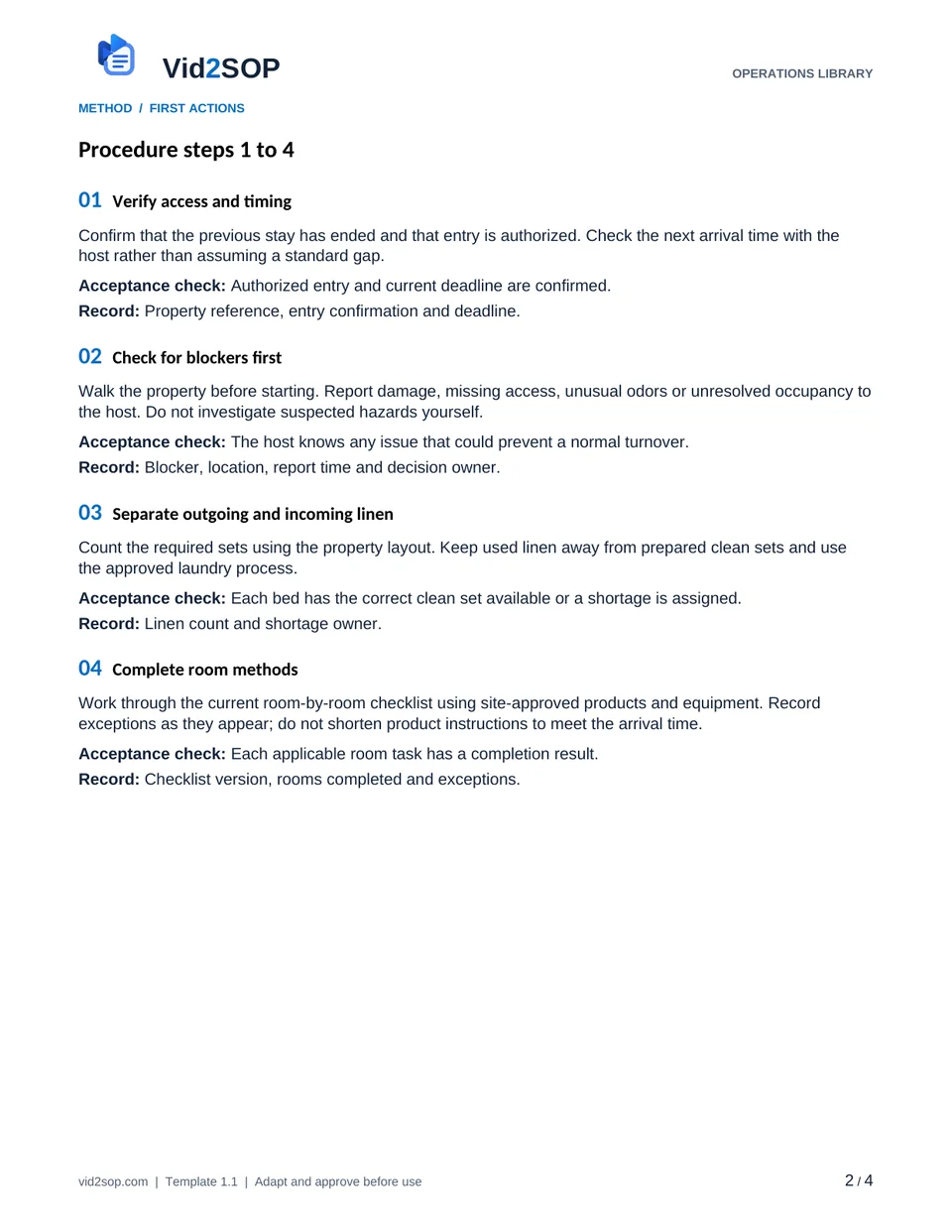
These previews show the actual template pages: document control and scope, followed by the detailed procedure. Download the Word file to adapt the content, or the PDF for a printable reference.
4 pages · Version 1.1 · Organization approval required
Select a page to open a larger preview.
Ready to adapt it for your team?
Editable Word or printable PDF. No email required.
Purpose and scope
Create a clear handoff from turnover work to the host so the next arrival is not confirmed from a cleaning message alone.
From confirmation of authorized access after checkout to the host release decision before the next arrival. This is a coordination SOP, not a substitute for a property-specific cleaning method, fire inspection or accommodation regulations.
Turnover coordinator. Assign the actual owner, reviewer, approver and effective date before use. The library update date is not your approval date.
Who does what
- Host: owns access permission, guest timing and final release.
- Cleaner: follows the approved room methods and records shortages.
- Coordinator: tracks blockers and confirms the handoff.
Tools and records
- Property room checklist and approved inventory levels
- Linen allocation and designated laundry bags
- Host contact and maintenance escalation channel
Customize before the first use
- Enter checkout and check-in deadlines without publishing access codes.
- Define bed layouts, minimum stock and approved cleaning methods.
- Choose what blocks an arrival and who may make a guest-facing decision.
- Set photo permissions and lost-property handling.
Use the Word file to edit the method, roles and fields. PDF is a printable reference, not an interactive form. Pilot the procedure with an authorized team member and resolve gaps before approving it.
The procedure
- 01
Verify access and timing
Confirm that the previous stay has ended and that entry is authorized. Check the next arrival time with the host rather than assuming a standard gap.
Acceptance check Authorized entry and current deadline are confirmed.
Record Property reference, entry confirmation and deadline.
- 02
Check for blockers first
Walk the property before starting. Report damage, missing access, unusual odors or unresolved occupancy to the host. Do not investigate suspected hazards yourself.
Acceptance check The host knows any issue that could prevent a normal turnover.
Record Blocker, location, report time and decision owner.
- 03
Separate outgoing and incoming linen
Count the required sets using the property layout. Keep used linen away from prepared clean sets and use the approved laundry process.
Acceptance check Each bed has the correct clean set available or a shortage is assigned.
Record Linen count and shortage owner.
- 04
Complete room methods
Work through the current room-by-room checklist using site-approved products and equipment. Record exceptions as they appear; do not shorten product instructions to meet the arrival time.
Acceptance check Each applicable room task has a completion result.
Record Checklist version, rooms completed and exceptions.
- 05
Restore the agreed setup
Replace only approved consumables to the property stock levels. Compare bed layout, amenities and furniture positions with the reference setup.
Acceptance check Setup matches the property standard and missing stock is recorded.
Record Inventory exceptions and setup reference.
- 06
Perform the final walkthrough
Check visible finish, linen, waste removal and agreed access arrangements. Use only approved checks; do not treat a visual walkthrough as technical equipment certification.
Acceptance check Reviewer has checked the agreed release list.
Record Final checklist, permitted photos and reviewer.
- 07
Confirm readiness with the host
Send Ready or Not ready with open issues and expected completion times. The host decides any guest communication or delay. Keep keys and access codes out of the public record.
Acceptance check Host receives an explicit status and owns arrival decisions.
Record Status, host acknowledgment and next action.
When the standard route does not fit
The prior guest is still present
Pause entry and contact the host; do not pressure the guest or infer permission.
A linen or stock shortage cannot be resolved
Notify the host with the exact quantity and time impact; record an authorized alternative or a readiness blocker.
The turnover cannot finish before arrival
Escalate early with remaining tasks and realistic timing; the host owns rescheduling and guest communication.
Release checks
- No room is assumed complete from another person’s message.
- No unsafe shortcut overrides a product label or site rule.
- The final status lists unresolved issues and the person who owns them.
Record the outcome, unresolved actions, responsible owner and review date. Keep records in your approved system and apply your organization’s retention rules.
COMPANION WORKING RECORD
Use the Corrections log.
Track turnover findings and rechecks against the property or visit reference before recording the ready decision.
Download Excel recordsExcel workbook · 3 tabs · Open the Corrections tab · No email required
Adapt the fields to your approved process. Decisions are recorded by your authorized person. This file does not automatically approve work or sync with Vid2SOP. Keep sensitive details in your controlled system.
ILLUSTRATIVE SCENARIO
What a useful record looks like
Example only: The second bedroom needs two towel sets but only one clean set is available. The coordinator assigns collection of another set and reports Not ready. After delivery, the reviewer checks the room and the host receives the updated Ready status.
Record your actual method
- Use a vacant property or staged room with permission.
- Show linen separation and the approved finished bed layout.
- Record a dummy shortage and the host handoff; omit door codes and guest information.
Obtain permission before recording. Remove customer information, access codes and personal details. Follow the current upload limits and access conditions shown in Vid2SOP. Review any resulting draft against what the video actually demonstrates.
Prepare a recording brief
Use the recording prompts above to plan your demonstration. With JavaScript enabled, you can also prepare a brief here.
Questions before you download
Can I edit this template?
Yes. The DOCX file can be edited in Word or imported into a compatible document editor. Check layout after editing. There is no direct template import into Vid2SOP in this release.
Is it approved for my country or industry?
No. It is a general operational drafting resource for adaptation. A responsible person must check local requirements, site conditions and the organization’s approved methods. No OSHA, COSHH, ISO or other certification is claimed.
Can my team use it commercially?
You may adapt and use it for your own organization’s internal operations, including paid service delivery. Do not resell or redistribute the unmodified library files as a competing template product.
Background references
These references provide context; they do not endorse or approve this template.
Put the procedure to work.
Download, adapt, pilot and approve the version your team will use.